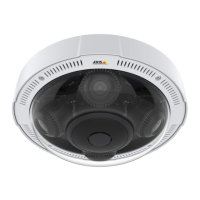
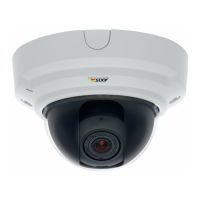
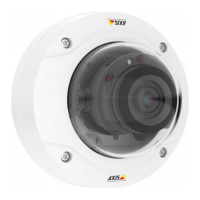
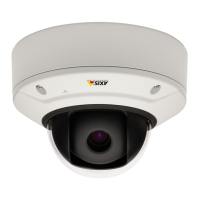
AXISP37–PLENetworkCameraSeries
Additionalsettings
Imagequality
Remotefocusandzoom
Theremotefocusandzoomfunctionalityallowsyoutomakefocusandzoomadjustmentstoyourcamerafromacomputer.Itisa
convenientwaytoensurethatthescene’sfocus,viewingangleandresolutionareoptimizedwithouthavingtovisitthecamera’s
installationlocation.
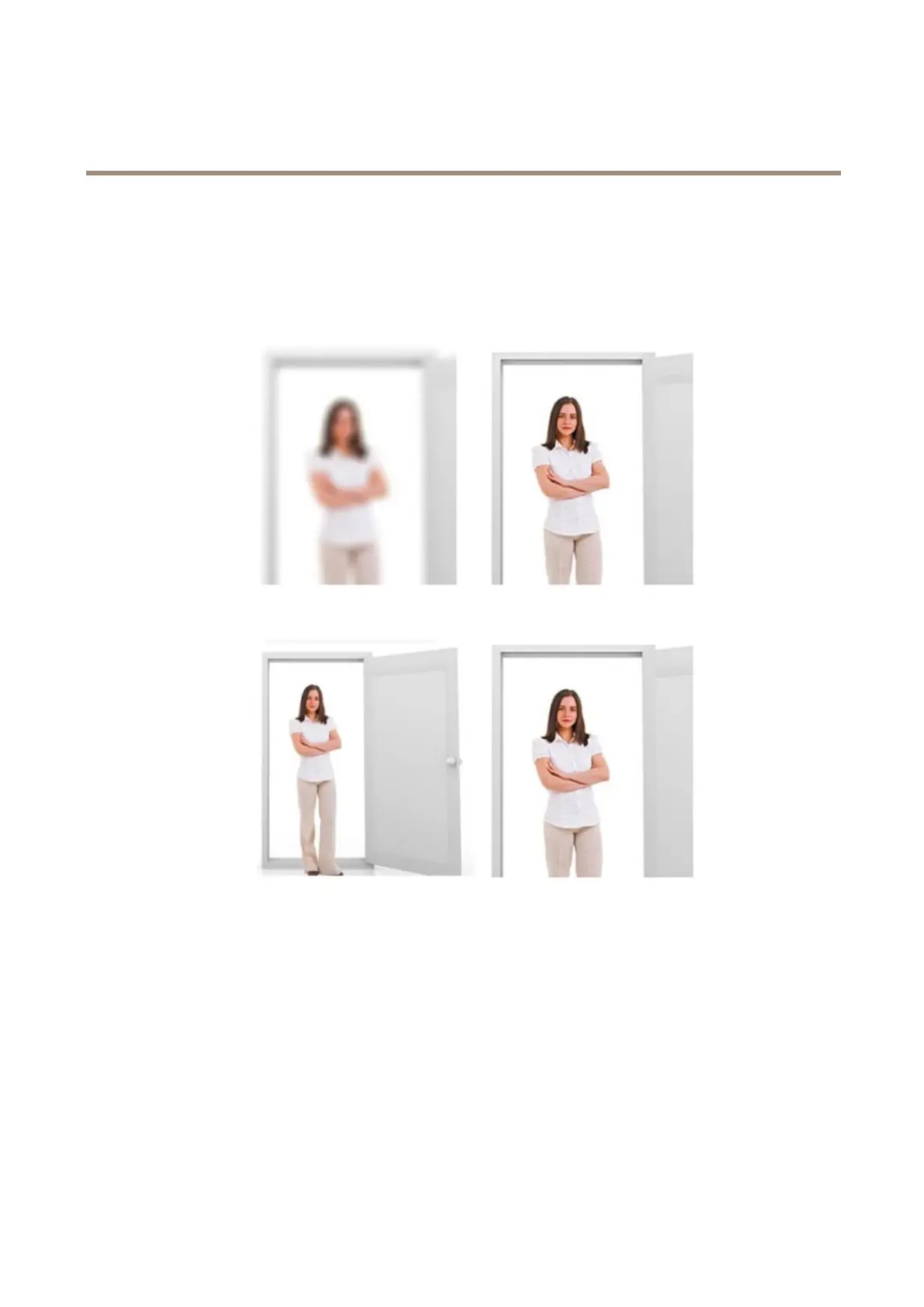
Left:nofocus.Right:remotefocusapplied.
Left:nozoom.Right:remotezoomapplied.
OptimizeIRillumination
Inmostcases,theexposureoftheimageisautomaticallyadjustedtoobtainoptimalimagequality.Ifthecameraisplacedclosetoa
walloracorner,itcansometimesresultinsaturationofpartsoftheimage.Whenthishappens,theLED’sclosesttothewallor
cornerareautomaticallydimmedtoavoidsaturatingtheimage.
Dependingontheinstallationenvironmentandtheconditionsaroundthecamera,forexampleexternallightsourcesinthescene,
youcansometimesimprovetheIRilluminationifyoumanuallyadjusttheintensityoftheLED’s.
1.GotoSettings>Image>Dayandnight,andturnonAllowillumination.
2.TurnonLiveviewcontrol.
3.MinimizeSettings.
4.Intheliveviewcontrolbar,clicktheIlluminationbutton,turnonIRlightandselectManual.
7


 To Next Page