23
3) Turn Down Your Stimulation Level
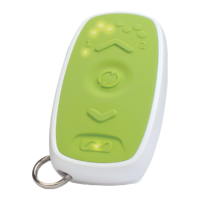
If you experience discomfort, you can use your Remote Control
to turn down stimulation.
The Remote Control must be connected to the Stimulator (see
Connect to Your Stimulator).
1
Press the “Down” button one time.
2
A. Permanent Stimulator: Watch for the stimulation level
lights to decrease by one. The Remote Control will vibrate.
This may take 3 seconds.
B. Trial Stimulator: The Remote Control will vibrate
and the stimulation level lights will flash. After multiple
adjustments the stimulation level may change. This may
take 3 seconds.


 To Next Page