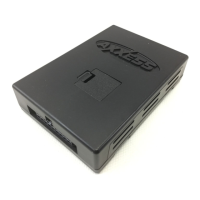
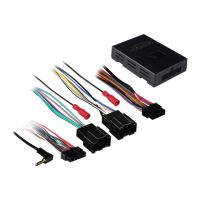
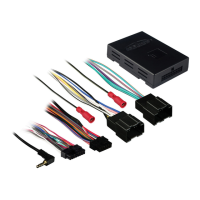
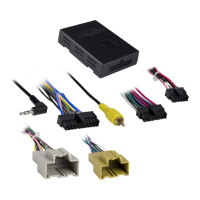
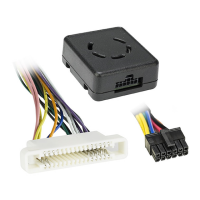
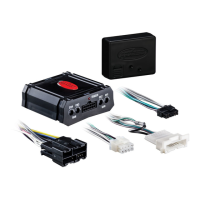
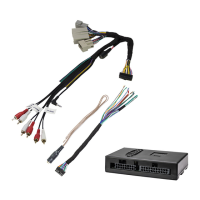
From the 16-pin harness:
• ConnecttheRedwiretotheignitionwireoftheaftermarketradio
• ConnecttheOrange/Whitewiretotheilluminationwireoftheaftermarketradio.Ifthe
aftermarketradiohasnoilluminationwirejusttapeofftheOrange/Whitewire.
• ConnecttheWhitewiretotheleftfrontpositivespeakeroutputoftheaftermarketradio
• ConnecttheWhite/Blackwiretotheleftfrontnegativespeakeroutputofthe
aftermarketradio
• ConnecttheGraywiretotherightfrontpositivespeakeroutputoftheaftermarketradio
• ConnecttheGray/Blackwiretotherightfrontnegativespeakeroutputofthe
aftermarketradio
• ConnecttheGreenwiretotheradio’sleftrearpositivespeakeroutput.
• ConnecttheGreen/Blackwiretotheradio’sleftrearnegativespeakeroutput.
• ConnectthePurplewiretotheradio’srightrearpositivespeakeroutput.
• ConnectthePurple/Blackwiretotheradio’srightrearnegativespeakeroutput.
• ConnecttheBlue/Whitewiretotheradio’sampturnonwire
• ConnecttheBrownwiretothemutewireoftheaftermarketradio.Iftheaftermarket
radiodoesnothaveaMutewire,tapeuptheBrownwire.
• ConnecttheLight Greenwiretotheparkingbrakewireoftheaftermarket
navigationradio.
• ConnecttheBlue/PinkwiretotheVSSorspeedsensewireoftheaftermarket
na
vigationradio.
• ConnecttheGreen/Purplewiretothereversewireoftheaftermarketnavigationradio.
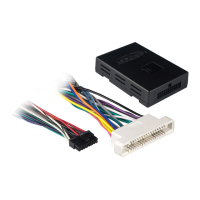
• Plugthe16-pinharnessintotheGMOS-09
Connections to be made
GMOS-09

 To Next Page
 Loading...