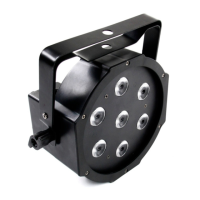
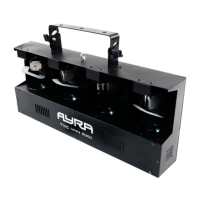
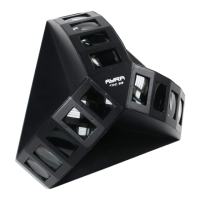
Setting up the unit
To activate the unit, connect the included power supply to the unit and a suitable 230V, 50 Hz power outlet.
The fixture will start up and show the last chosen setting on the display. Usually, with a new product, this is
the DMX mode with the value set on 001.
The display shows several settings, each with the possibility to set several values.
Use the display and the menu buttons to set preferences, change settings and scroll through the menu.
“Enter” is used to save a certain setting or preset, press “Menu” for at least 2 seconds to discard the change
and return to the main menu.
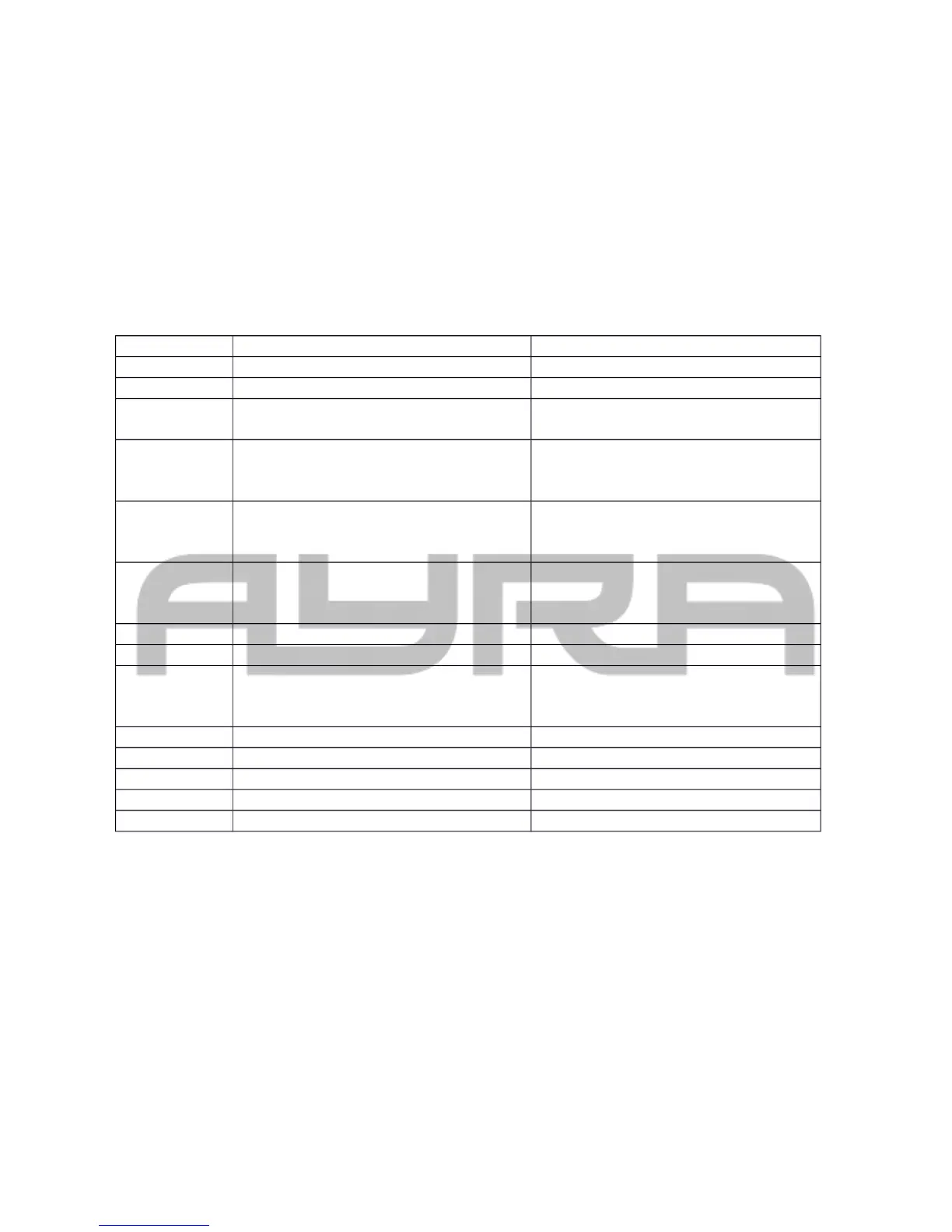
The table below shows an explanation for every feature and value.
display Mode Function
ADDR DMX address setting A001-A512
CHND Channel mode 2CH/3CH1/3CH2/6CH
SLND Master/slave mode Master (default)
Slave
SHNd Color Color 1~7
Dimmer 0~255
Strobe 0~255
Jump Speed 0~99
Dimmer 0~255
Strobe 0~255
Fade Speed 0~99
Dimmer 0~255
Strobe 0~255
SOUN Sound controlled mode Sound controlled mode on/off
SENE Sound sensitivity Sound sensitivity 0-100
BALA White Balance Red 050~255
Green 050~255
Blue 050~255
LED LED display on/off during use YES-NO
DISP Display inversion Display Inversion [dIsp] / [dsIp]
TEST Test mode, color test TEST
TEMP Temperature in degrees Celsius 0 – 9999
HOUR Total working time in hours 0 – 9999
ADDR: DMX address setting, used to determine the DMX starting channel. From this channel on, the fixture
will respond to values, corresponding with the amount of channels that the fixture is occupying. (For
example, when you turn the fixture in 3CH mode and set the starting address to value 003, the fixture will
respond to channels 3, 4 and 5.)
CHND: The channel mode of the fixture makes it possible to use the correct channel mode setting for every
application. For simple and basic setups, users may prefer to use the basic mode. For advanced setup,
users may prefer to control more functions with the advanced modes.
SLND: When using the master/slave function, you need to connect 2 or more fixtures with XLR-XLR cable.
The first fixture in line needs to be set as master, the others as Slave 1 or 2 (synchronized or mirrored
performance). This way, the slaves will mimic the behavior of the master fixture for wonderful synchronized
lighting shows.
SHND: Show programs, which are used to turn the fixture in a stand-alone LED projector, which changes
colors automatically by switching, fading or performing static with a certain color and intensity.
Color: Select a color, apply dimmer and strobe options. After this, the fixture will project the static color.


 To Next Page
 Loading...