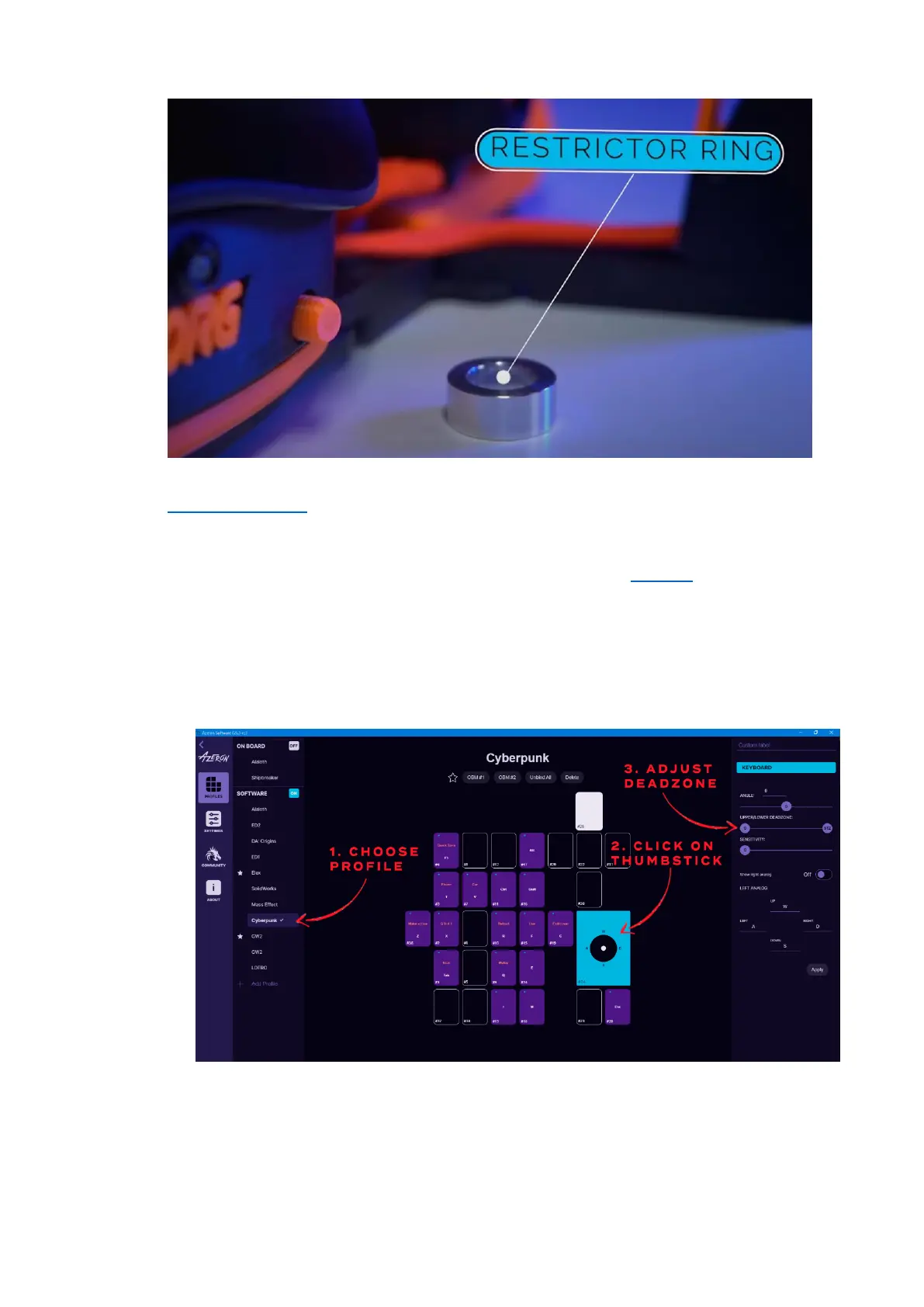
In case you wish to use the included restrictor ring, then please follow
this video guide or these setup steps:
1. Make sure the restrictor ring is removed from the keypad.
2. Calibrate the thumbstick in the Azeron software (how to)
3. Remove the thumbstick cap
4. Put on the restrictor ring, make sure the concave part is on the
thumbstick side.
5. Put back on the thumbstick cap
6. In the Azeron software go in the thumbstick settings:
7. Take the upper deadzone and lower it to ~120. Make sure the
thumbstick makes perfect circle at the edge when moved around.
If not, then lower the deadzone even more.



 To Next Page