5.3.1. Keyboard mode
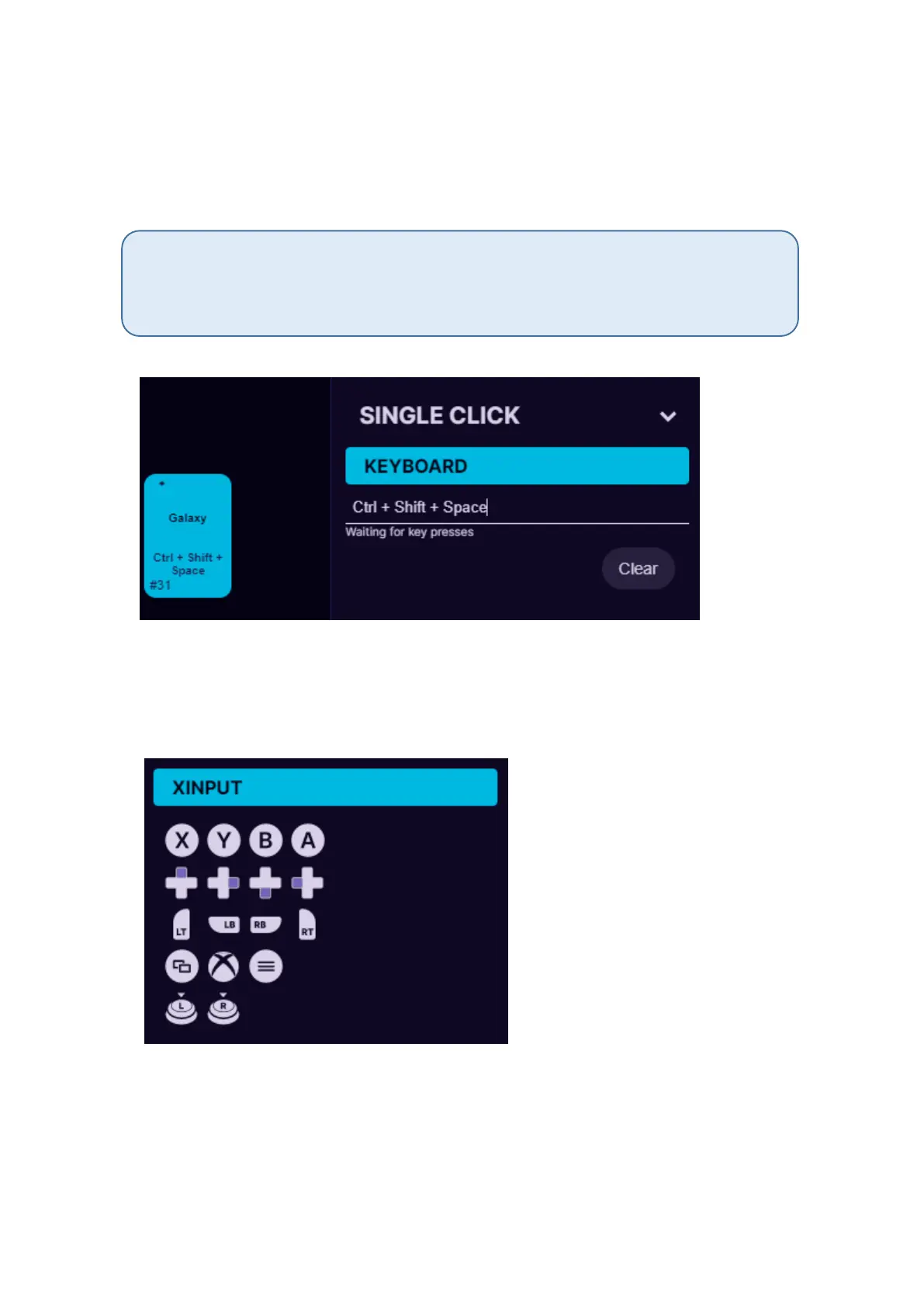
For keyboard mode you can setup a keyboard button to be used on
Azeron keypad. It is also possible to setup button combinations on one
key press (up to 3 button combinations).
Only buttons not possible to setup currently are Right side modification buttons, they
will always default to the Left side Shift, Ctrl or Alt. Also there is no simple way to setup
special buttons, for example F13 F14 etc. But this will be included in the future software
updates.
5.3.2. Xinput button and Xinput trigger
Xinput allows the Azeron keypad button to act as an Xbox controller
button or trigger.
Under Xinput it is possible to setup:
Home
Start
X, Y, A, B
Right Bumper, Left Bumper



 To Next Page