Analog joystick hardware calibration. Here you can reset the deadzones
to zero values or Calibrate the thumbstick to optimal settings. When
calibrating, carefully follow the instructions on screen. See more
information at 5.1. CALIBRATING THUMBSTICK
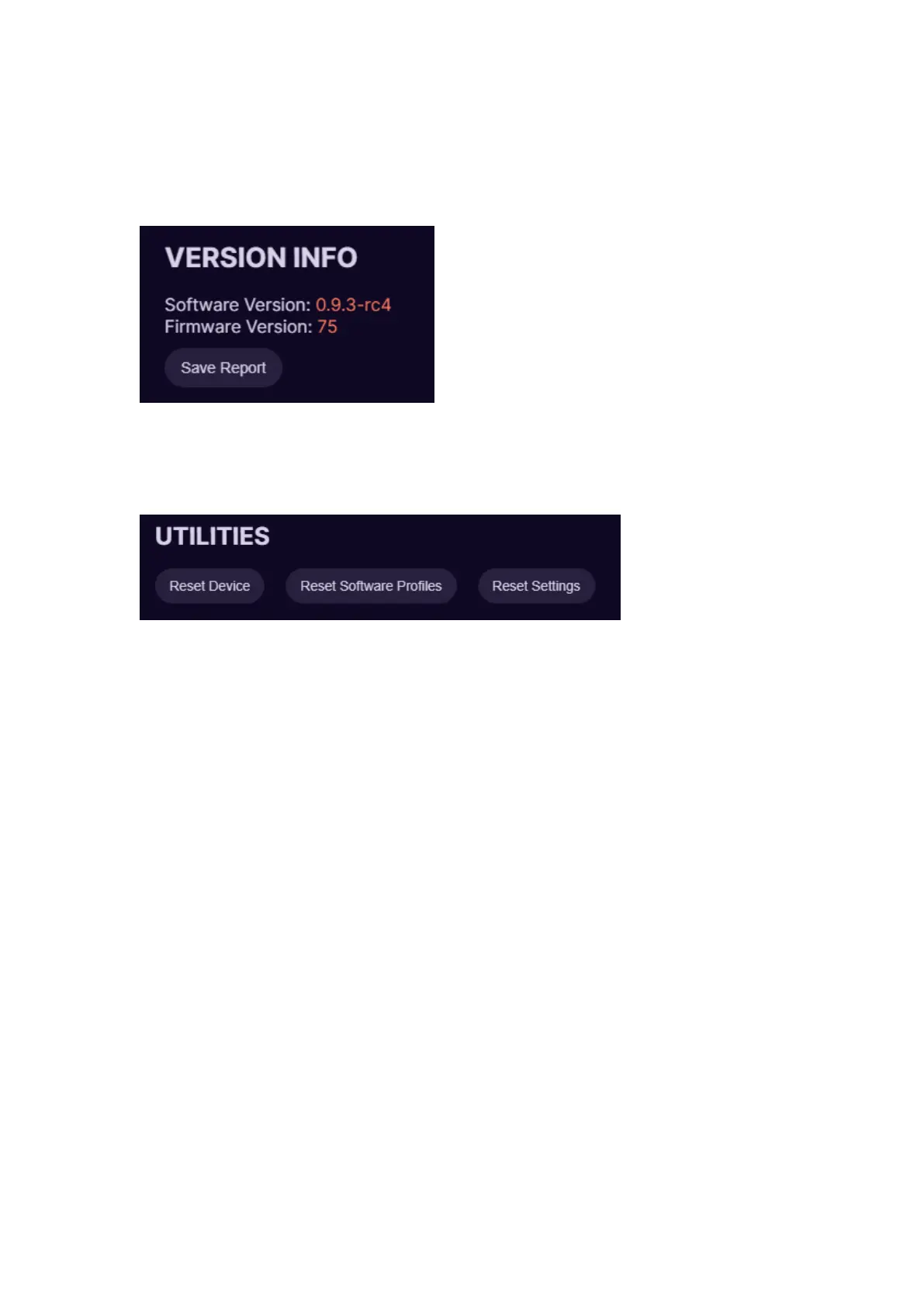
Version information. Here you can see what software and firmware you
are using. Save report button will create a report file that can be sent to
customer support to help identify any issues.
Reset Device this option will reset your keypad to factory setting, basically
reinstalls firmware, deletes all settings and restarts software.
Reset Software Profiles will delete all profiles in the software.
Reset Settings this option will reset all settings in the software to defaults.



 To Next Page