1ª 10155 ES 9 - 2009
9
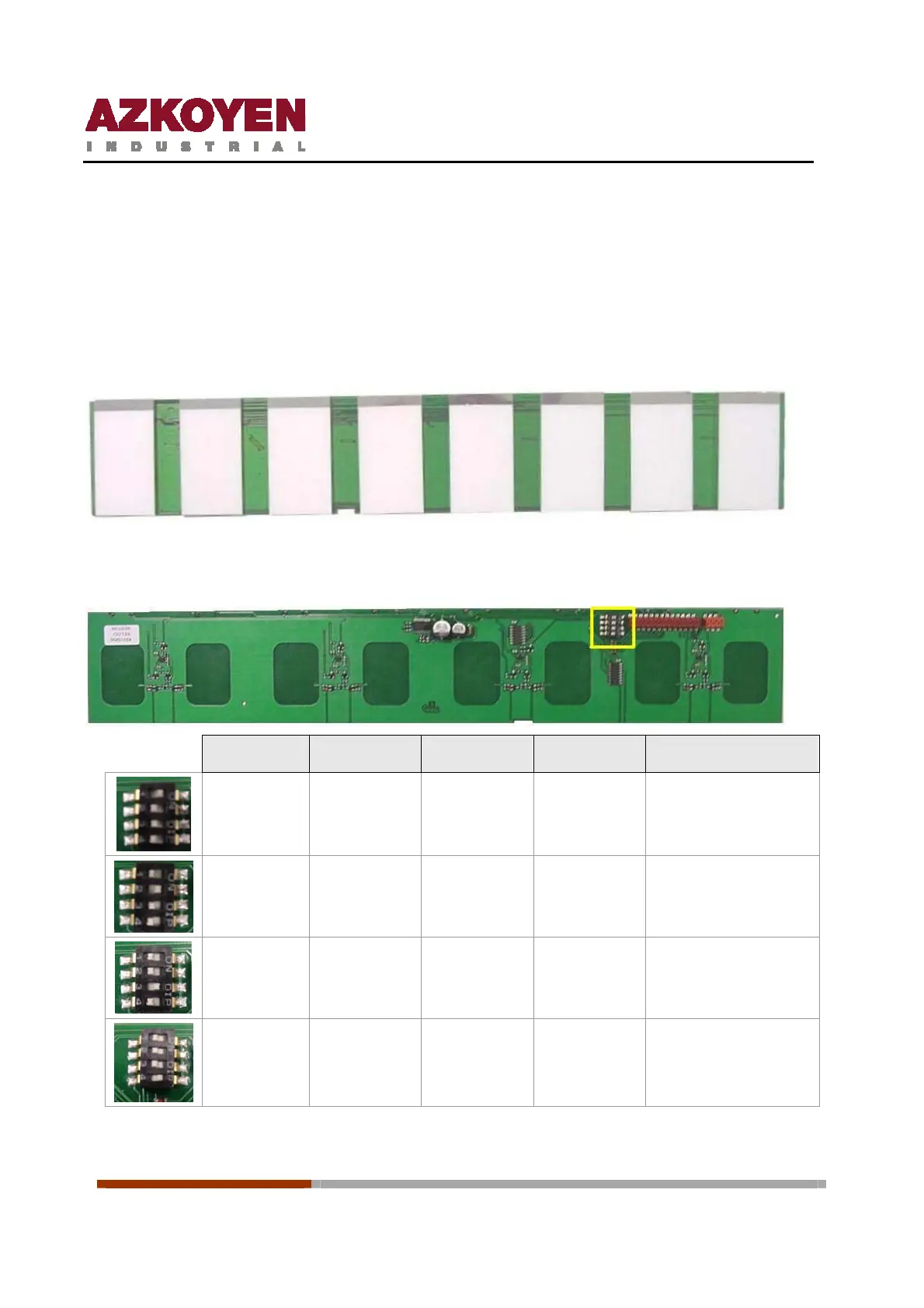
2. Product labels + selection buttons.
The machine has an innovative system for the selection of the product; it is called Capacitative
Proximity Keyboard.
All the Product labels are illuminated for easy identification.
There are two types of Product keyboards, for the model STEP41, a keyboard of 7 selections is
used and for the rest of the models have one of 8 selections.
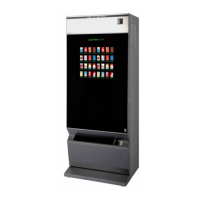
The machine recognises each one of the keyboards using “addresses” that are configured with
four dip-switches on the board of the keyboard.
SW1 SW2 SW3 SW4 Position Keyboard
ON OFF OFF OFF
First position
OFF ON OFF OFF Second position
OFF OFF ON OFF Third position
OFF OFF OFF ON Fourth position



 To Next Page