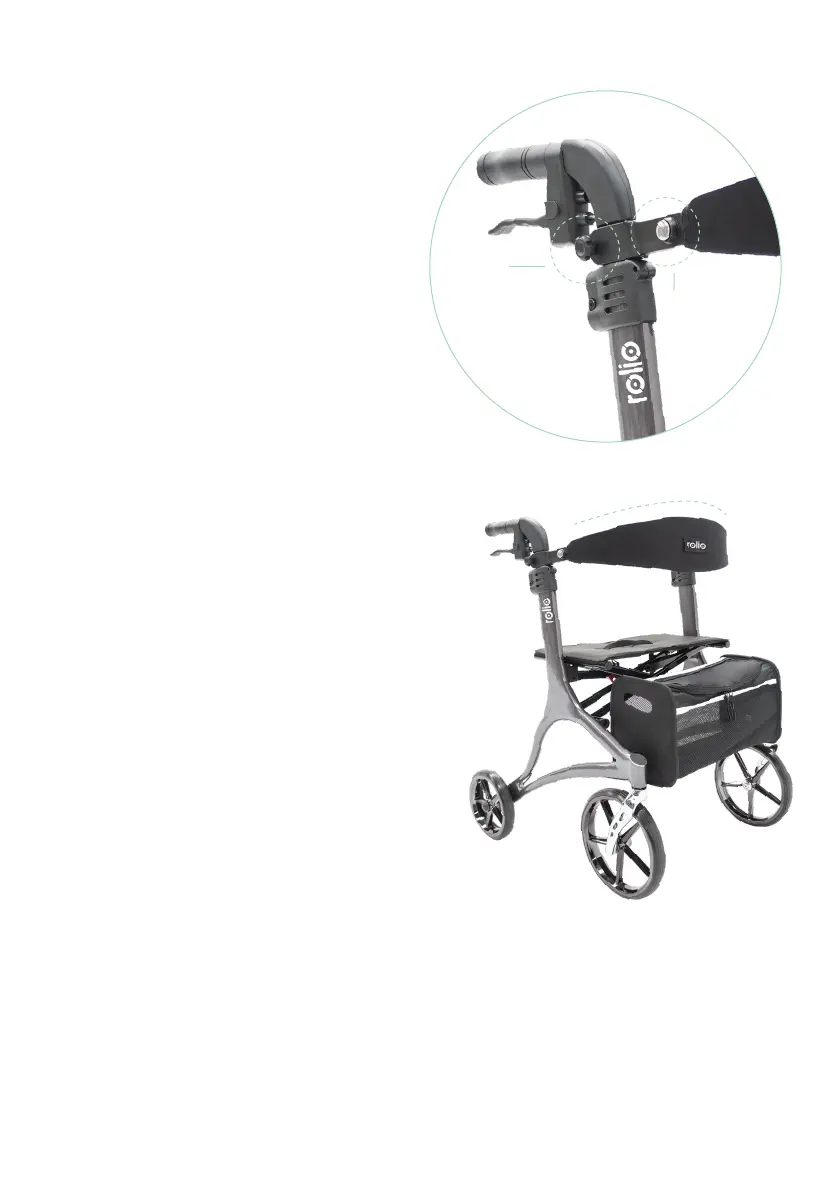
Adjusting the backrest
For your comfort, both the
backrest height and depth are
adjustable on your rolio walker.
To adjust the backrest height
1. Loosen the height adjustment
knob below the handgrip
2. Slide the backrest up or down
to the desired height
3. Tighten the knob
To adjust the backrest depth
1. Press and hold the silver
adjustment button on the
backrest
2. Slide the backrest in or out to
the desired depth
3. Release the adjustment button
and ensure it clicks securely
into place
height
adjustment
depth
adjustment



 To Next Page