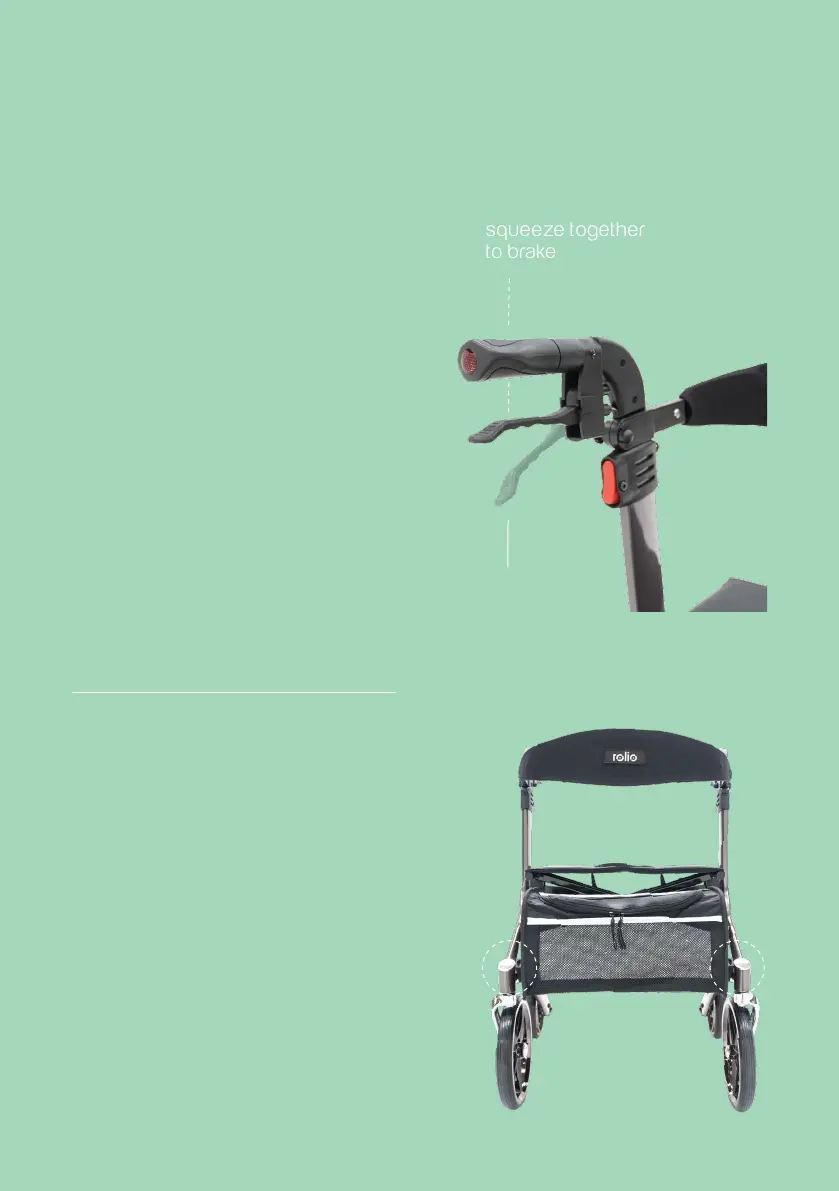
how to brake
To slow or stop your rolio while
walking, squeeze both brake
levers upwards to apply
the brakes. Always apply brake
pressure evenly. To lock the
brakes while the walker is
stopped, push down on each
brake lever until they lock into
place. Unlock the brakes by
pulling up on the brake levers.
how to attach/remove
your rolio bag
Attach the bag by sliding the
plastic clip on the bag into the
plastic connector on the frame.
squeeze together
to brake
lock
position



 To Next Page