ARGB Control Modes Switching
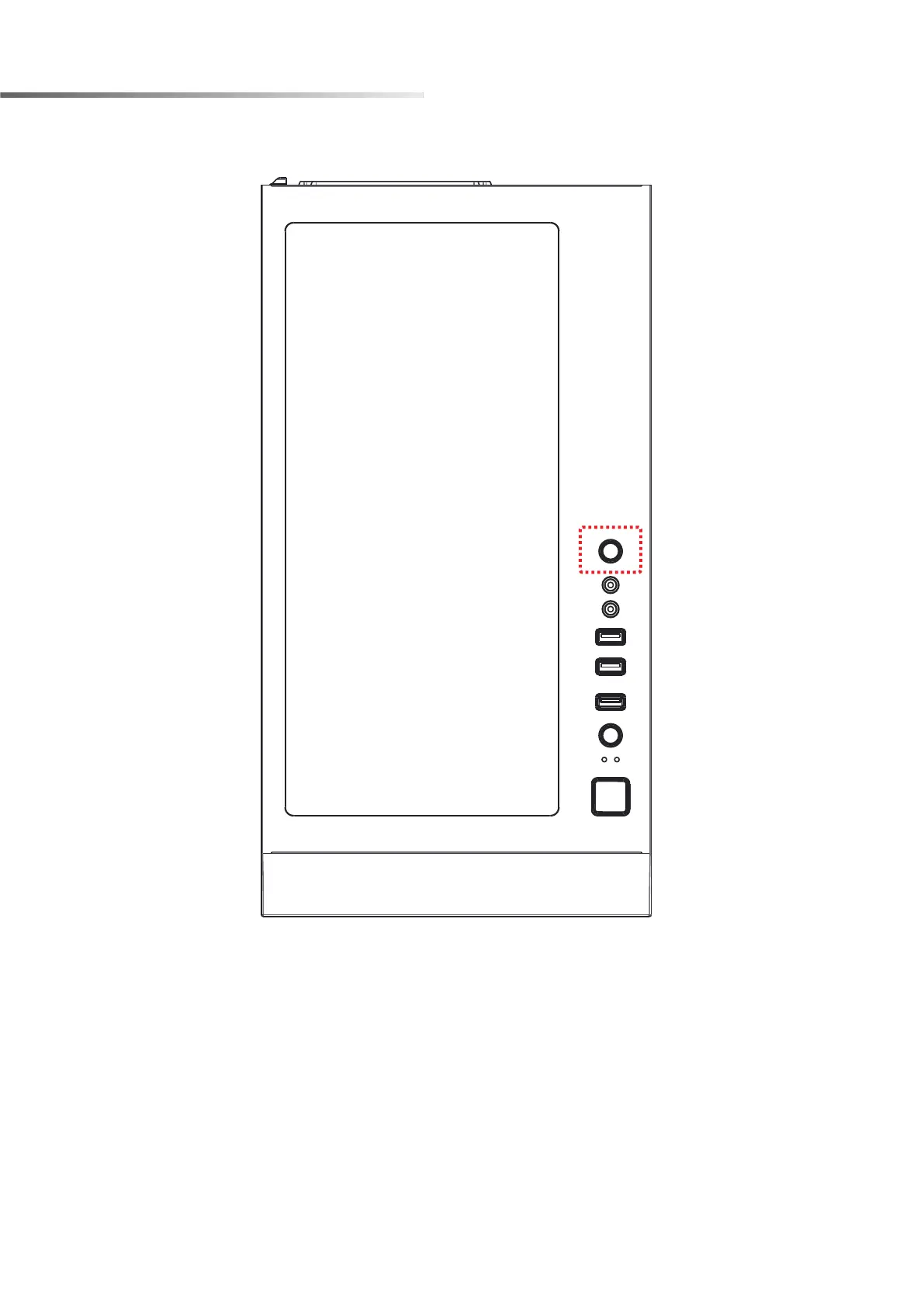
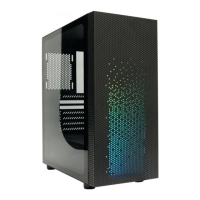
※To control the front panel ARGB lighting modes, press the LED button to cycle through
13 RGB lighting modes.
※Hold the LED button for 3 seconds to switch the RGB control function between
motherboard RGB software and LED button.
※To synchronize all addressable RGB light devices, it needs to be switched to be
controlled only by the motherboard.


 To Next Page