EasyManua.ls Logo

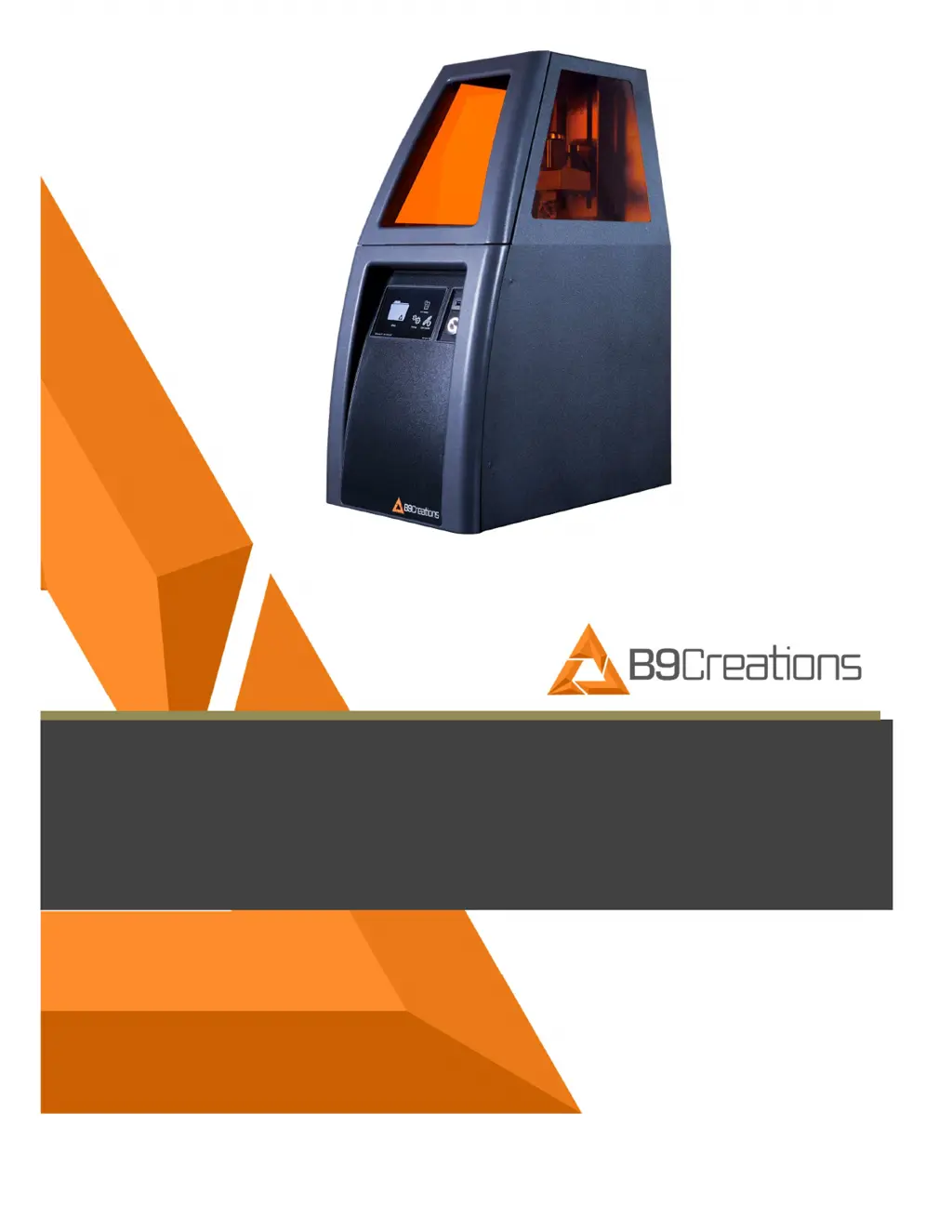
B9Creations B9 Core 530 - User Manual

Default Icon
35 pages
Print Icon
To Next Page IconTo Next Page
Loading...
USER MANUAL
B9 Core Series
530
&
550

Table of Contents

Questions and Answers

Summary

Instructions for Safe Use

Intended Use and Proper Operation

Proper Operation

Guidelines for correct operation, material usage, and safety precautions.

Identification and Interface

Interface Elements

Identifies and describes the physical interface elements on the printer.

Transport and Installation

Hardware Setup

Details the requirements and steps for setting up the printer's hardware.

Operation

Turning the Printer ON

Steps to power on the printer and initial boot-up indicators.

Function Button and LED Illumination Codes

Setup Troubleshooting

A table listing common setup errors and their remedies.

Interface Misuse

Configurations of Operations

Describes the two operating modes: stand-alone and networked.

Stand-Alone Configuration

Networked Configuration

Explains how to connect the printer to a network for operation.

Safety Features

Printer Safety Features

Highlights safety features like the door switch and optical design.

Operational Safety Features

Safety considerations during printing operations and power interruptions.

Connecting to a Network

Wi-Fi;Ethernet Selection

Steps to select and configure Wi-Fi or Ethernet network connection.

Advanced Ethernet Network Connection

Adding Print Object Via USB

How to transfer print files from a USB device to the printer.

Inserting and Positioning DuraVat

Inserting and Securing Build Table

Instructions for placing and securing the build table.

Printing an Object

Printing Process

Monitoring the print progress, pausing, and aborting.

Removing Build Table and Printed Object

Maintenance and Care

General DuraVat Cleaning

Detailed steps for cleaning the DuraVat, including aperture cleaning.

Build Table Cleaning

DuraVat Recharging Process

Procedure for recharging the DuraVat for optimal printing.

Technical Data

Trouble Shooting Guide

Codes

B9Creations B9 Core 530 Specifications

General IconGeneral
BrandB9Creations
ModelB9 Core 530
Category3D Printers
LanguageEnglish

Related product manuals