EasyManua.ls Logo

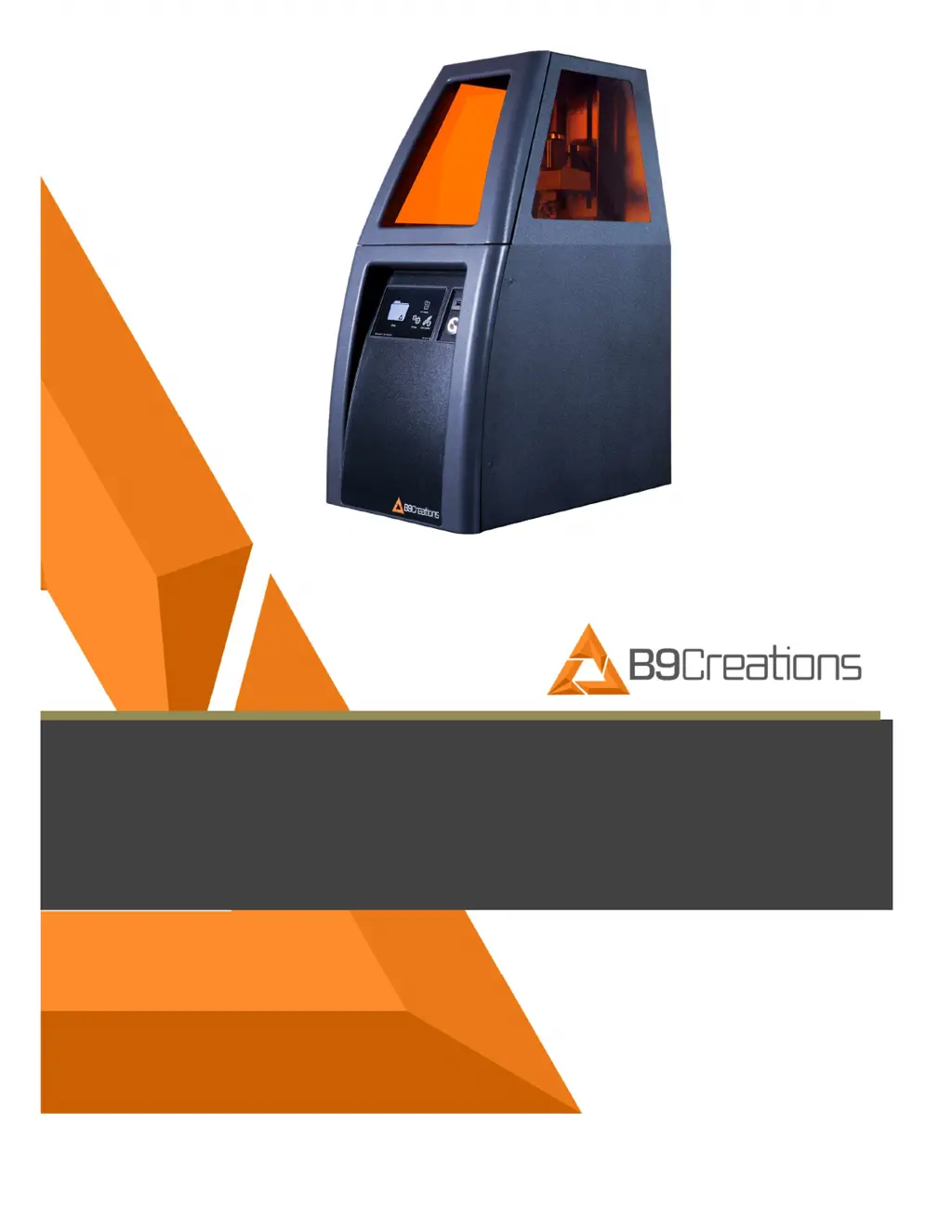
B9Creations B9 Core 550 - User Manual

Default Icon
35 pages
Print Icon
To Next Page IconTo Next Page
Loading...
USER MANUAL
B9 Core Series
530
&
550

Table of Contents

Questions and Answers

Summary

Instructions for Safe Use

Safety Information

Provides essential safety warnings regarding modifications, operation, power supply, and general precautions.

Intended Use and Proper Operation

Proper Operation

Details proper operation, including material use, handling, and environmental conditions.

Transport and Installation

Hardware Setup

Details the requirements for physically setting up the printer, including surface, environment, and power.

Operation

Function Button Functions and Corresponding LED Ring Illumination Codes

Explains the functions of the Function Button and its associated LED ring illumination patterns.

Setup Troubleshooting

Offers troubleshooting steps for common setup issues, including error descriptions, causes, and remedies.

Safety Features

Safety Features

Lists inherent safety features of the printer, like door switches and eye protection.

Operational Safety Features

Outlines operational safety measures related to print completion, build table, and power interruptions.

Core Series On-Board Application

Connecting to a Network

Details the process of connecting the printer to a network via Wi-Fi or Ethernet.

Inserting and Positioning DuraVat

Details the procedure for correctly inserting and positioning the DuraVat in the printer.

Inserting and Securing Build Table

Explains how to properly insert and secure the Build Table onto the printer's arm assembly.

Printing an Object

Guides the user through the process of printing an object.

Material and Quality

Allows selection of print material and detail level (layer height) for the print job.

Printing

Displays the real-time status, speed, and progress of the printing process.

Removing the Build Table and Printed Object from the Printer

Details the steps for safely removing the Build Table with the printed object from the printer.

Removing the Printed Object from the Build Table

Explains how to detach the printed object from the Build Table using provided tools.

Maintenance and Care

Cleaning

Details general cleaning procedures for the printer and its components.

General DuraVat Cleaning

Details the process for cleaning the DuraVat, including material removal and aperture cleaning.

Build Table Cleaning

Explains how to clean the Build Table after each print, including material removal and approved tools.

DuraVat Recharging Process

Outlines the steps to 'recharge' the DuraVat, preparing it for the next print.

Work Flow for Printing

Trouble Shooting Guide

Codes

Tips and Tricks

B9Creations B9 Core 550 Specifications

General IconGeneral
TechnologyDLP (Digital Light Processing)
Light SourceLED
ConnectivityUSB, Ethernet
SoftwareB9 Creator
MaterialsResin
Light Source Wavelength405 nm
Layer Thickness10-100 microns
Power Requirements100-240 VAC, 50/60 Hz

Related product manuals