Copyright 2004-2021 Baby Lock USA
Customer Support: 1-800-313-4110
BLSA2 Ver.3.51 Software Update – p.2
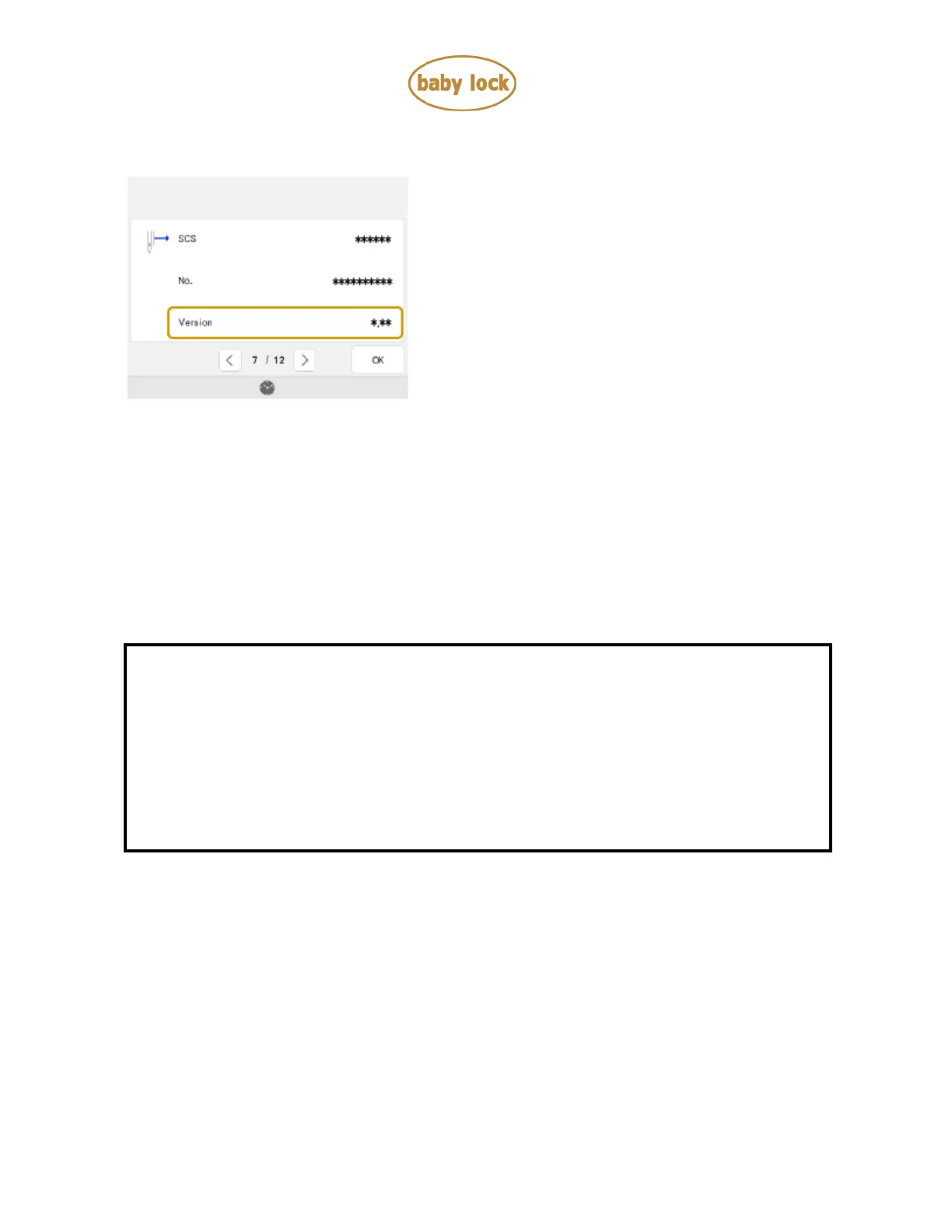
6. Check the version shown on the display as described below.
If "Version" is already "3.51" or later, it is not necessary to update your machine.
If "Version" is lower than "3.51”, update your machine's software with the Version 3.51
update file.
How to update your machine’s software
• You may use a USB Flash drive or the machine’s wireless network connection.
* * * NOTE * * *
Do not turn off your machine while the machine is saving the update software to
itself. If the machine's power is turned off while saving the update software, it may
result in damage to the machine.
Use a 4GB or larger USB flash drive when updating the machine.
Check that no data except for the update file is saved on the formatted USB Flash
drive, before beginning update.
How to update your machine’s software using a USB Flash drive
1. Insert the USB Flash drive into the USB port on the computer.
2. Copy only the update file, XP_V351_taco_P.upf, to the USB Flash drive.
3. Safely remove the USB Flash drive from the USB port on the computer.



 To Next Page
 Loading...










