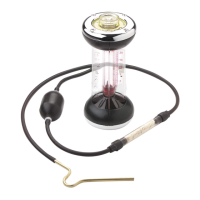
Fyrite
®
User Software Installation Instructions
2 0024-9465 Rev 3
7. Click on Next. 8. Click on Close.
9. Click on OK.
10. After installation:
Open Fyrite® User Software via the desktop icon.
Connect the instrument to the PC with a USB cable.
Power up the unit.
When first connected, a “Found New Hardware
Wizard” screen will be displayed.



 To Next Page