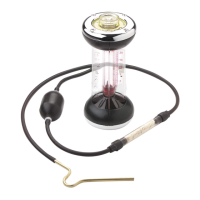
Fyrite
®
User Software Installation Instructions
0024-9465 Rev 3 3
11. Select “No, not this time”. Click on Next. 12. Click on “Continue Anyway”.
13. Click on Finish.
14. For further information about the use of this product,
refer to the Fyrite user manual.
3. Installation: Windows Vista
After loading the CD, the Security window will be displayed. Click on OK. If applicable, wait for the Net 3.5 Framework set
up to complete. Then follow the instructions listed below.
1. Click on OK. 2. Wait for Net 3.5 Framework set up completion (optional)



 To Next Page