8
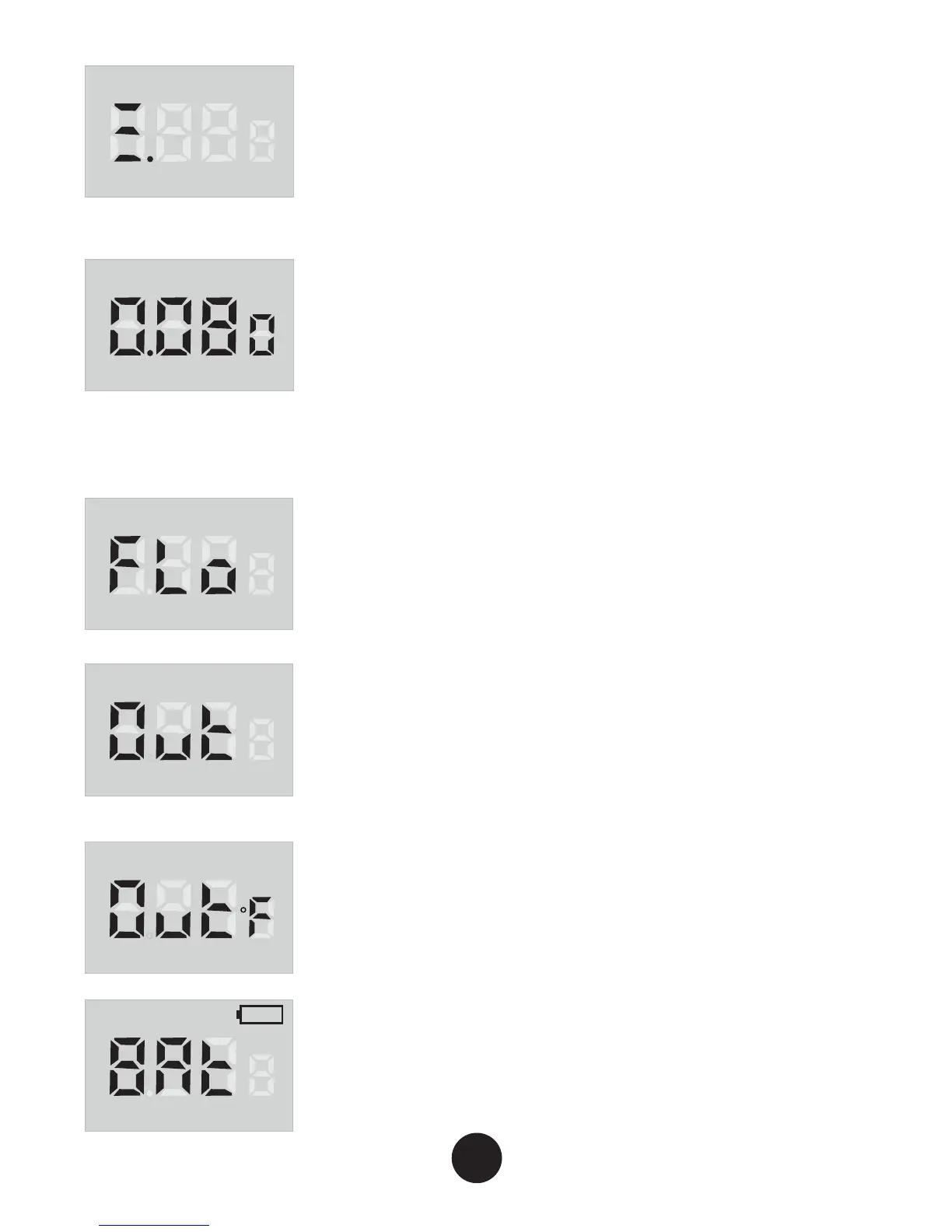
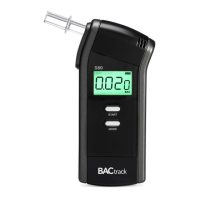
STEP 4: When the countdown reaches
zero, “START” will flash and the screen
will display three lines. Blow through the
mouthpiece for five seconds until there is
a double beep sound.
STEP 5: Once the sensor has analyzed
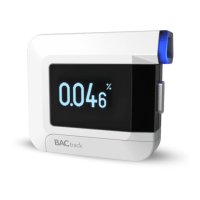
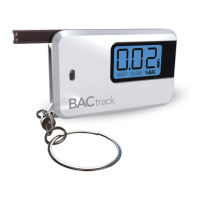
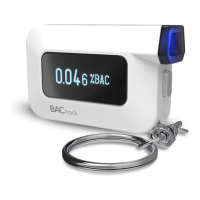
the breath sample, the estimated BAC
value is displayed.
Error Notification
If a user does not blow a sufficient breath
sample, the LCD will display “FLo”.
Press start to restart the countdown
cycle and retest.
If there is no breath sample blown within
15 seconds, the LCD will display “Out”.
Press start to restart the countdown cycle
and retest.
If the unit is powered on outside of the
acceptable temperature range (0-40 °C or
32-104 °F) the unit will display Out°F and
testing cannot be performed.
If the battery indicator display is empty,
install two new alkaline AAA batteries.
START
BAC
BAC
BAC
BAC
BAC
BAC


 To Next Page