Page 4 “B” Book Guide To Vibration Measurement
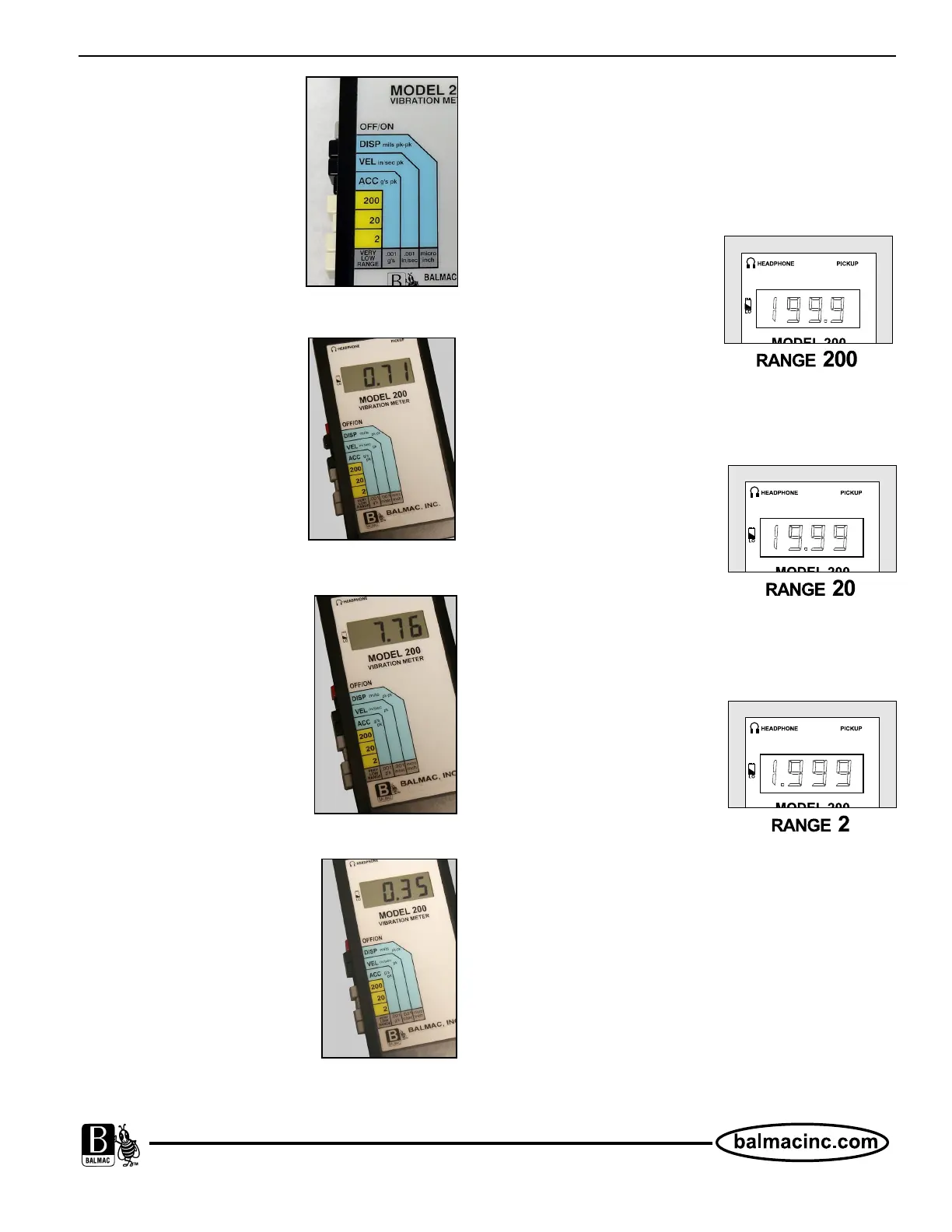
Fig 3 - Modes are DISP,
VEL and ACC.
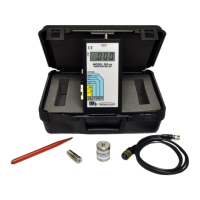
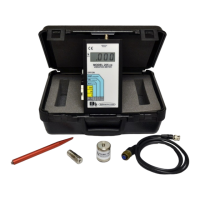
Fig 4 - VEL selected.
Fig 5 - DISP selected.
Fig 6 - ACC selected.
Step 2 - Select a Mode
The Mode is a vibration
parameter you want to
measure. Balmac Vibration
Meters have three modes:
Displacement = DISP,
Velocity = VEL and
Acceleration = ACC.
Velocity
Velocity is read in inches per
second (Peak). Velocity
measures the rate of change
of displacement. Velocity is
more proportional to the
destructive forces generated
in a machine than either
displacement or acceleration.
Velocity readings reveal more
about vibration at all
machinery speeds (RPMs).
Displacement
Displacement measures the
distance the part moves read in
Mils (one Mil = .001 inch)
(Peak to Peak). It is necessary
to know the RPM of the
equipment to establish a
vibration limit in Displacement
(Mils).
Acceleration
Acceleration is the rate of
change of velocity read in g’s
(Peak). G’s are useful when
measuring very high frequency
vibrations such as signals
generated in rolling element
bearings or gear trains.
Step 3 - Select a Range
Ranges on Balmac meters are:
200 20 2 Very Low Range
200 (very rough vibration)
Most applications will never
be this rough. Used with
extremely large primary
movers (Class 4) type of
equipment.
Max Min
199.9 19.0
20 (moderate vibration)
Recommended starting range
for most measurements. Go
to 2 for smaller vibration
levels.
Max Min
19.99 1.9
2 (smooth to moderate
vibration)
Use for small vibration levels
and for QC levels for motors
and fans.
Max Min
1.999 0.01
Very Low Range
Multiply reading on display by number on label that
corresponds to Mode used.
Example: Mode is Velocity Model = Vel. Display
reading = 197.6. Answer: 197.6 x .001 = .19 in/sec.


 To Next Page