6
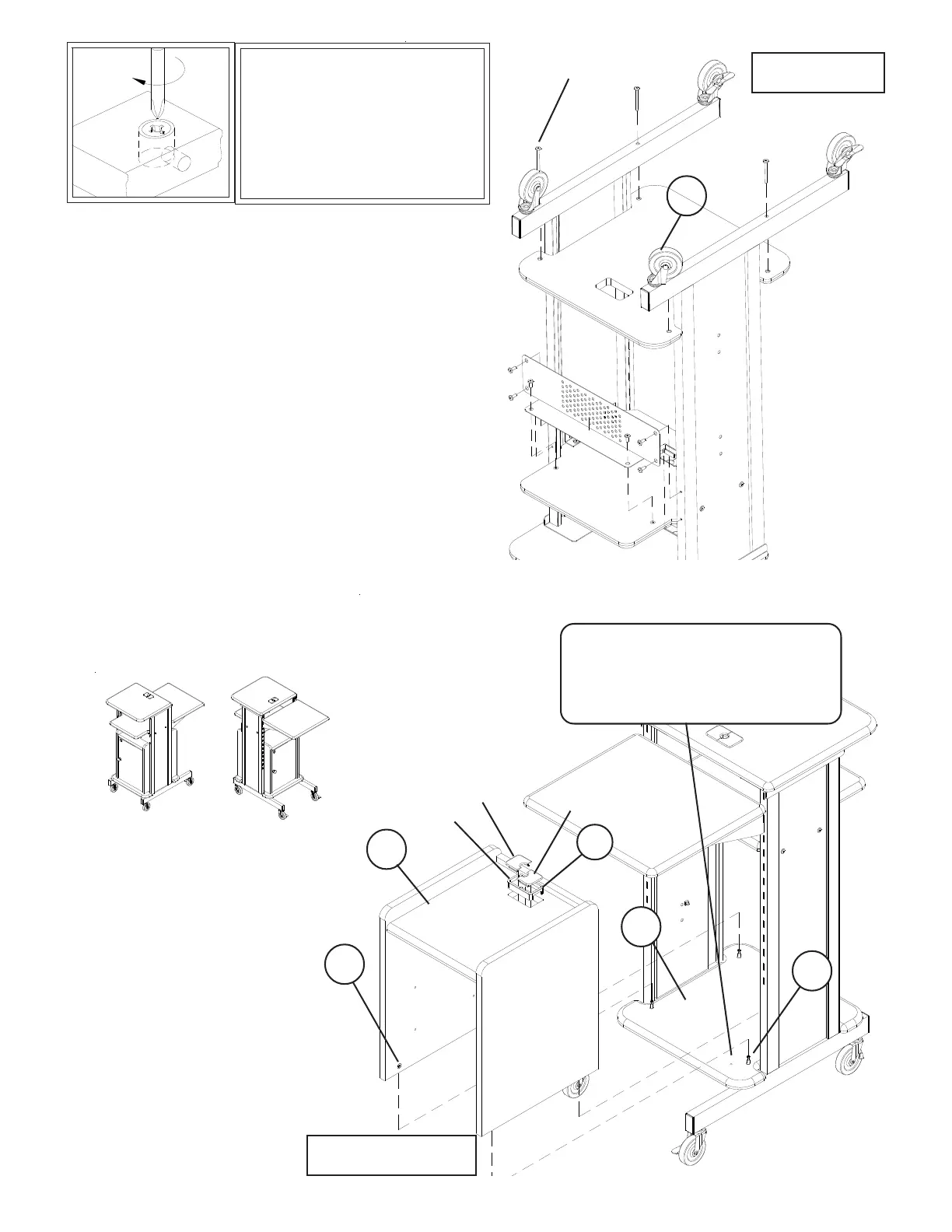
Illustration # 7
Illustration # 8
Cap
Cap
Sleeve
E
P-5
P-4
C
D
P-5
4 Screws from
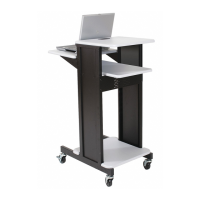
Presentation Cart
17.
To Secure Cam Locks,
Insert Large Phillips Head
Screwdriver and turn Cam
Lock 1/4 turn (90 degrees)
clockwise.
Remove bottom Shelf from
Presentation Cart using Allen Wrench (L).
Remove the Metal Stability Panel from
Presentation Cart using Allen Wrench (L).
Attach Bottom Shelf (P-5) w/cam posts to the
Right & Left Leg Assemblies of Presentation Cart
using 4 each screws as shown in illustration # 7.
Note: Check hole location - illustration #8.
Tighten Screws using Allen Wrench (L).
15.
16.
17.
18.
19.
To install Grommets (F) in Top Platform (P-4),
separate parts and press Grommet Sleeve in
rectangular opening as shown in illustration # 8.
Snap 2 plastic Caps over top of Sleeve as shown in
illustration # 8.
Secure Cabinet assembly
to Bottom Platform (P-5) by
turning the Cam Locks (C)
1/4 Turn until they lock.
Cabinet can be
installed facing the
front or back of
unit.
20.
21.
Note: this hole located toward
front of unit for front opening
door, or toward the back for
back opening door.


 To Next Page