Document Number: UE204_2711m 14
B&B Electronics Mfg Co Inc – 707 Dayton Rd - PO Box 1040 - Ottawa IL 61350 - Ph 815-433-5100 - Fax 815-433-5104 – www.bb-elec.com
B&B Electronics – Westlink Commercial Park – Oranmore, Galway, Ireland – Ph +353 91-792444 – Fax +353 91-792445 – www.bb-europe.com
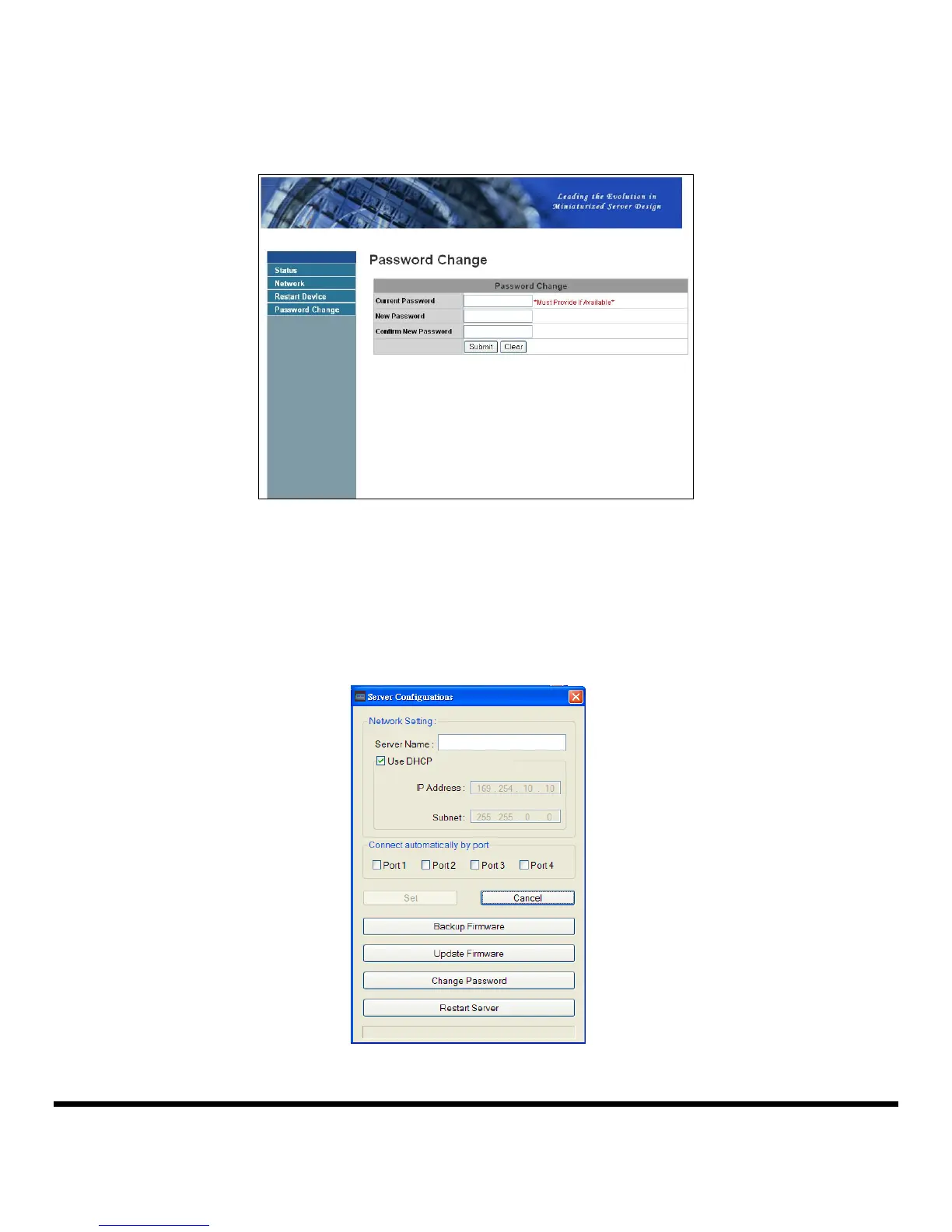
Change Password
Clicking on this link takes you to the password update page.
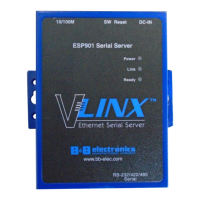
Configuration with the Utility
Another way to configure the server is USB Server configuration dialog. To bring it up, RIGHT-
CLICK on the server icon and select Setting Server. If a password has been set you will be
prompted to enter it.



 To Next Page