There is no sound in one of my Beoplay EQ earphones. What can I do?
If you encounter this issue, please follow the below troubleshooting tips:
1. Check the software version
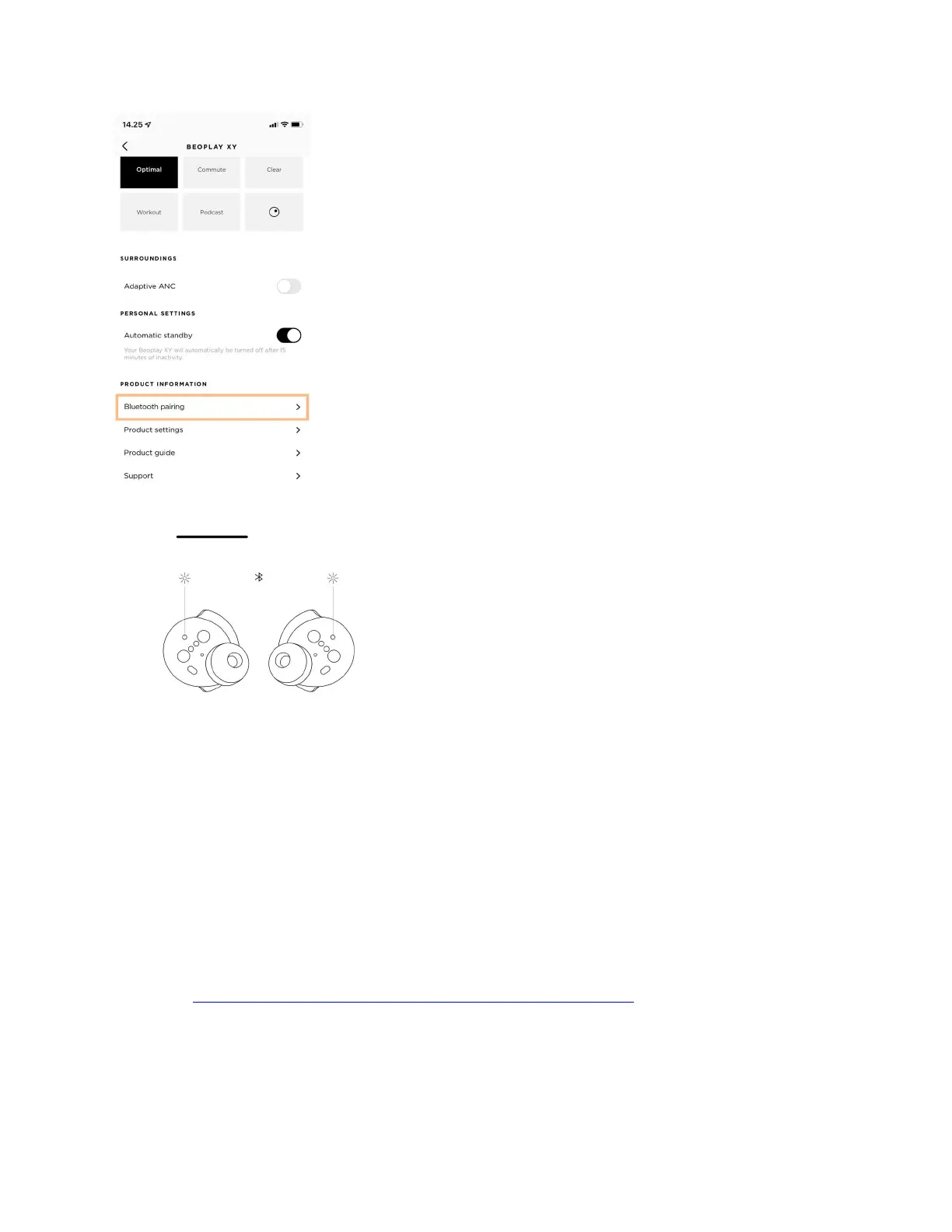
Make sure you are running the latest software version. Go to the Bang & Olufsen app and verify
that you have the latest version of the app as well as the latest Beoplay EQ software installed.
Please see How do I add my Beoplay EQ to the Bang & Olufsen app?
2. Check the fit
Make sure the earphones are fitted correctly in your ears. The wear sensor might register that the
earphone is not in your ear, and this will result in the earphone being muted.


 To Next Page