4
Principles of operation
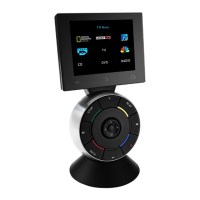
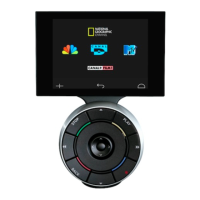
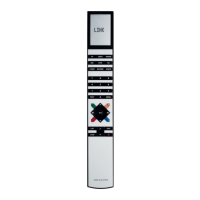
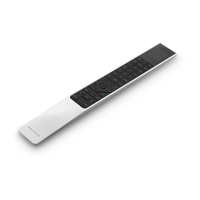
The Beolink 1000 remote control integrates
remote operation of your Bang & Olufsen
products.
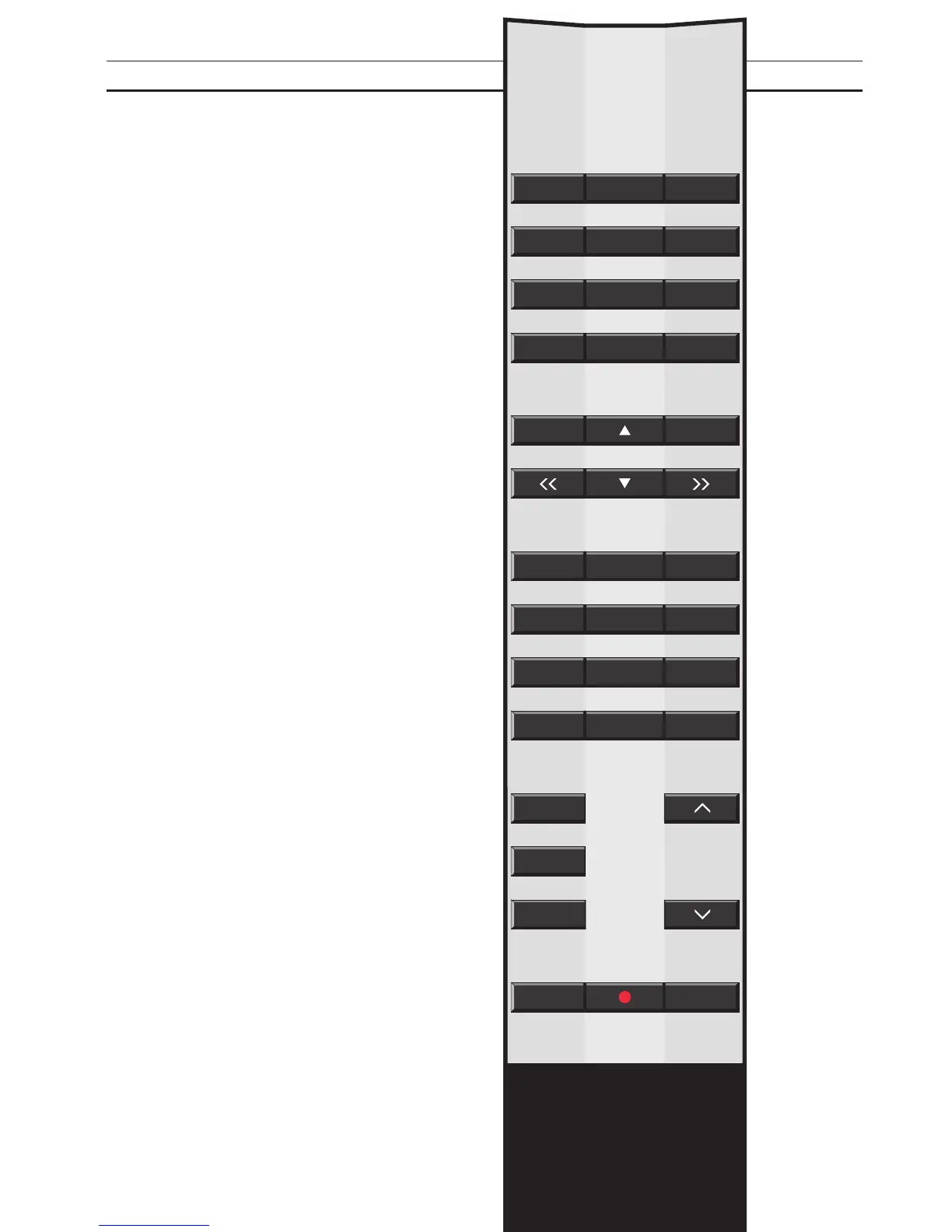
Daily operations are carried out directly via the
Beolink 1000 by pressing a single button, or by
pressing a few buttons in a logical and
straightforward sequence.
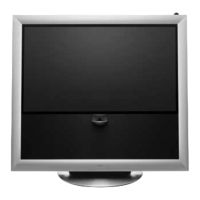
The more advanced functions are also carried
out from the Beolink 1000 remote control but
operation of such functions may be guided by
on-screen menus on a video product.
You can rest the Beolink remote control on a
table, hold it in your hand or hang it on the
wall in a specially designed clip (an optional
accessory).
Whichever way is most convenient, you will
find that the Beolink remote control always
responds readily to your instructions.
BEOLINK 1000


 To Next Page
 Loading...