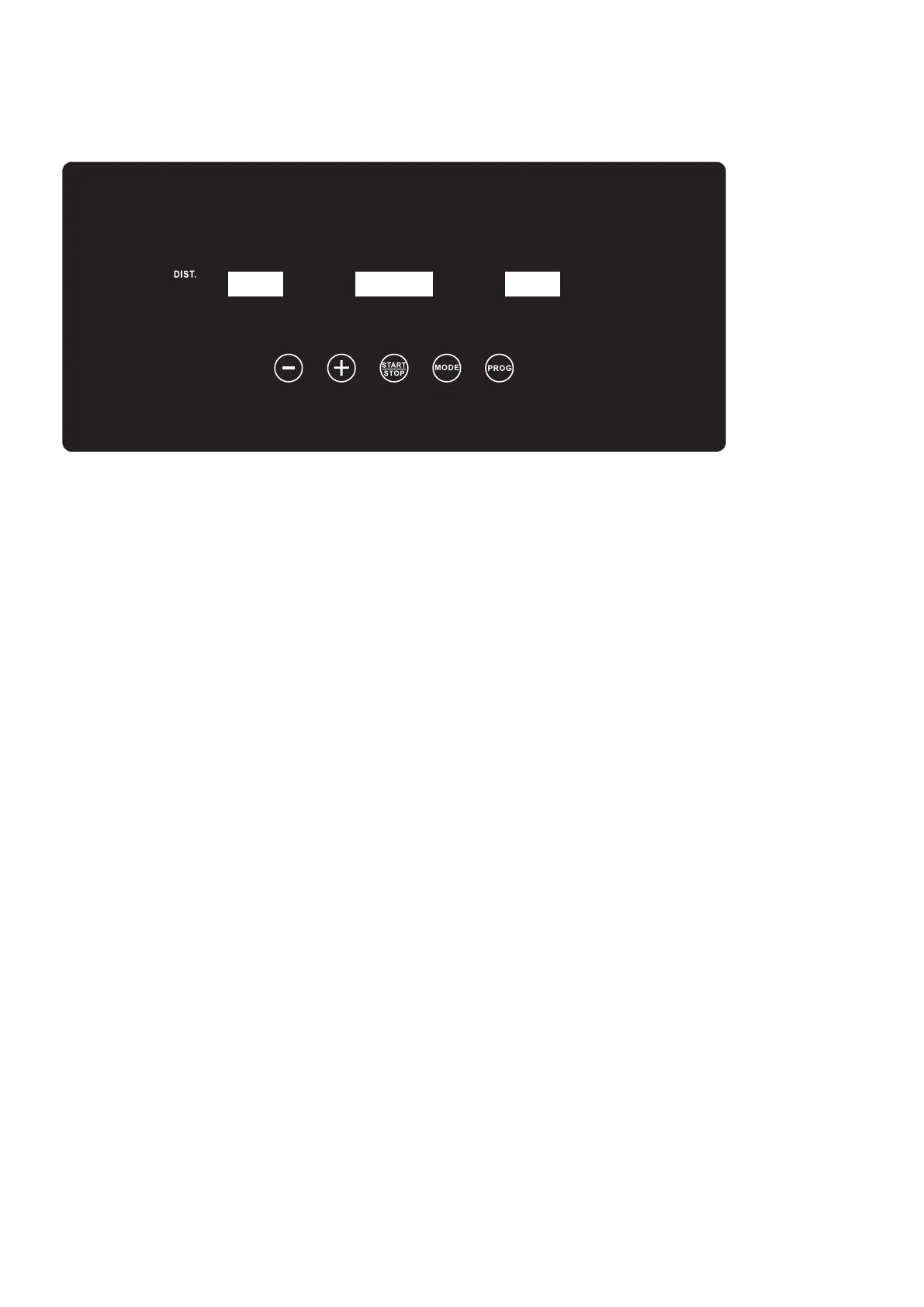
CONSOLE INSTRUCTION
OPERATION(MANUAL)
1.Plug the power,then place safety key on the computer and turn one the power
switch which is located at the front of the treadmill
2.The all window will display “--”.Then press the “START/STOP” key to start the
treadmill,after 5 second countdown,the treadmill will start at the speed of
1.0KM/H.
3.You may press the speed“+”or speed“-” key to increase or decrease the
running speed during exercise. Each increment or reduction will be of 0.1 km/h.
The speed range is from 1.0 km/h to 10 km/h.
4.Press the “START/STOP ” key to stop the treadmill. For emergency stop,
remove the Safety Key. The Running Belt will stop automatically and the all
window will display “- - -”.
HANDLEBAR PULSE SENSORS
Grab the Pulse Sensors located on the left & right handlebars and hold for 5
seconds.The console screen will display your heart frequency during exercise. It
will not function if only one side of the handlebar is sensed. The Pulse window
will display your current heart rate in beats per minute, with a range from 40 to
199.
8
MODE
SPEED
PULSE
CALO.
TIME



 To Next Page