3
2.2. Programming Cable
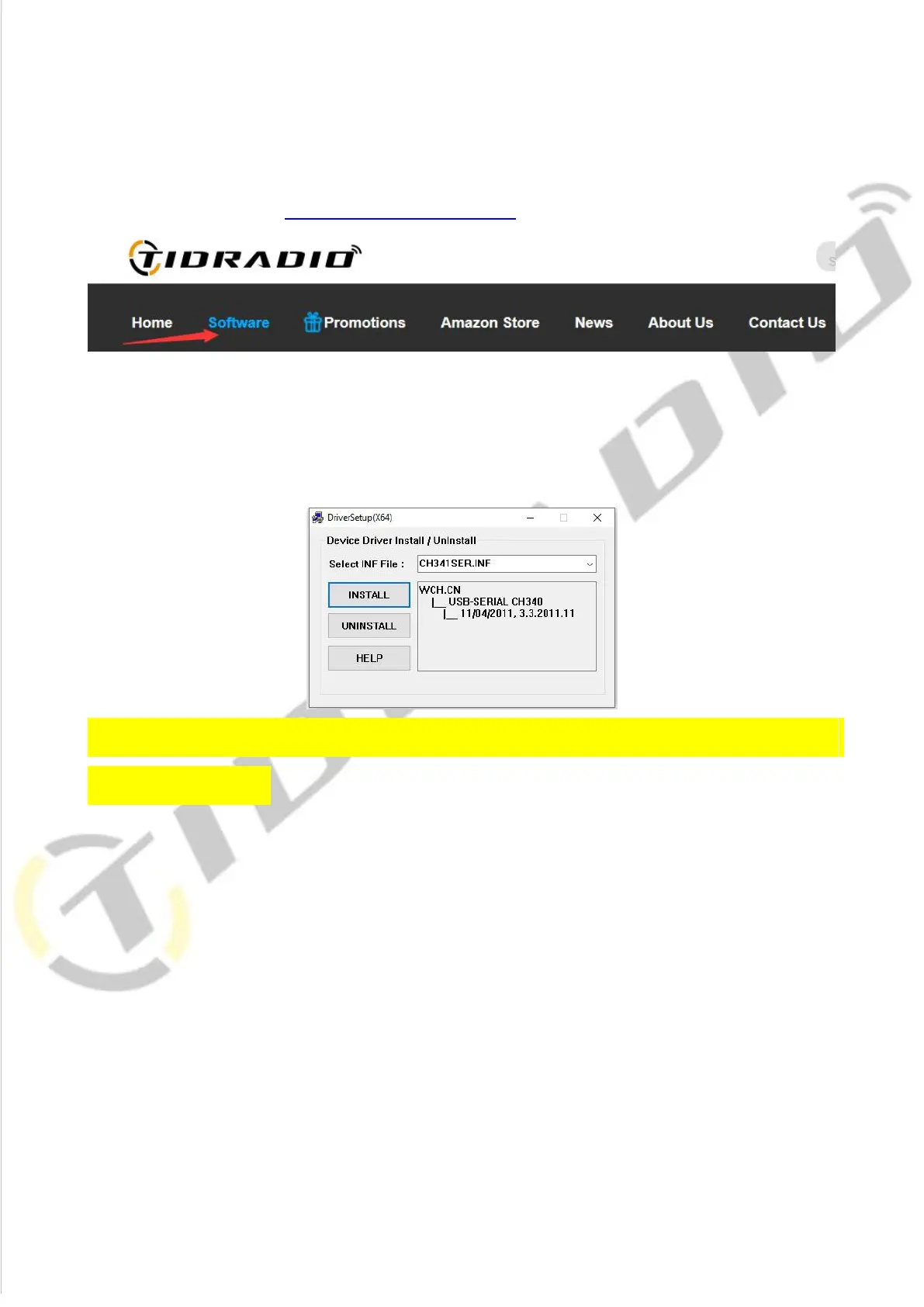
A.USB programming cable - The driver should be installed before programming.
Driver download link:walkietalkiesoftware.com
1) Find the corresponding driver of the system.
2) Click and wait for the download.
3) Click install and wait for the installation
Come with the CH340 USB programming cable is only suitable for
WINDOWS system
B. If you use an FTDI cable, it does not need to be installed with a driver. You can
just plug in and use directly.
FTDI chip programming cable suitable for Mac os,Windows system.
You can search B08CB5KT5M on Amazon to purchase a FTDI cable if you do not
have one.














 To Next Page