6
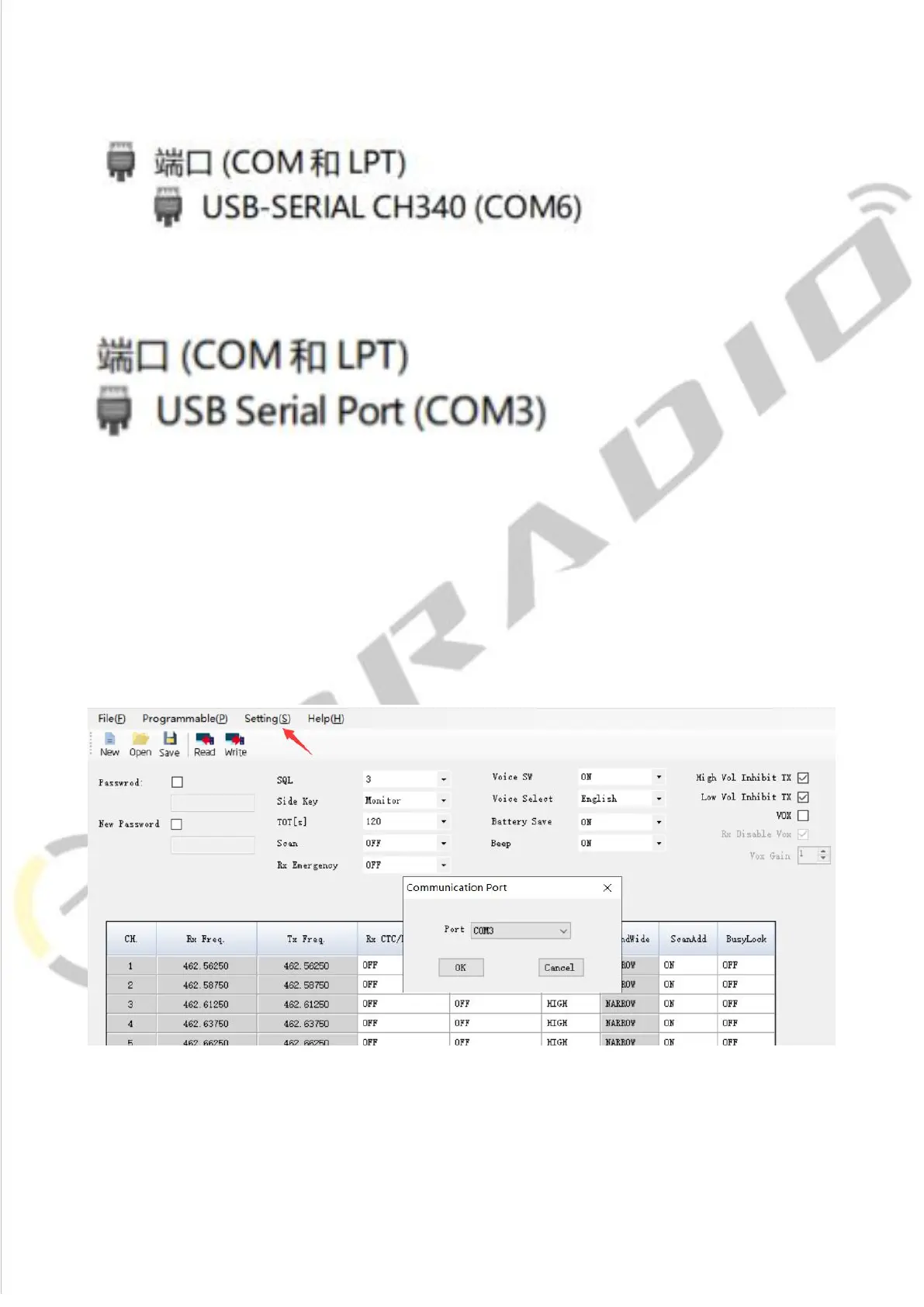
3)Come with CH340 programming cable port is USB-SERIAL CH340 (COM?)
4)FTDI programming cable port is USB Serial Port (COM?)
3.BF-88A Manufacture Software Programming Process
1)Download and open the manufacture software. Click "Setting →
Communication Port" and then Confirm the port the same as the port viewed by
Device Manager, then click the ”OK” button.














 To Next Page