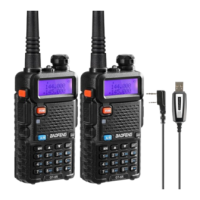
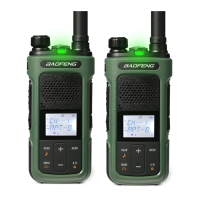
Set the radio to communicate at 147.480 MHz simplex
0. Turn on the radio and make sure it’s unlocked
1. VFO (frequency mode)
2. Select the upper display
A/B
3. Set the frequency
1 - 4 - 7 - 4 - 8 - 0
4. Turn off the repeater shift direction (SFT-D)
MENU - 25 - MENU - OFF - MENU - EXIT
5. Set the transmit power level
MENU - 2 - MENU - HIGH - MENU - EXIT
6. Optional: turn off the TDR (I would, at first)
MENU - 7 - MENU - OFF - MENU - EXIT
7. Clear target memory channel 5
MENU - 28 - MENU - 5 - MENU - EXIT
Hear “delete channel”
8. Store the frequency in channel 5
MENU - 27 - MENU - 05 - MENU - EXIT
Hear “receiving memory”
press
%
MENU - MENU - MENU - EXIT
Hear “transmitting memory”
press
%
Now stored in memory channel 5



 To Previous Page