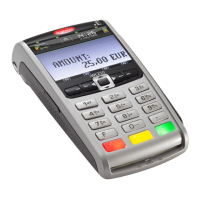
Here is your quick setup guide to get you up and running.
Full instructions are at barclaycard.co.uk/flexterminalhelp
Your new Barclaycard Flex Terminal installs in three different ways.
Before you get started, we’ll need to process your application. This should take around five to seven days – we’ll then get in touch to let you know if you’ve
been approved. After we’ve said yes to your application, we’ll follow the steps below.
Bluetooth
Bluetooth to a base unit linked to your business router.
Wi-Fi
Use your business’ Wi-Fi network.
Mobile
Connect to the mobile network available.
We’d recommend you set up using all three methods
to ensure you get the best from your terminal.
There’s no data fee for connecting your terminal –
the mobile connection will happen automatically.
When connected, all symbols should be green. If
they are not, then it means there is a connectivity
problem. Check your connections and contact the
helpdesk if the problem persists.
2


 To Next Page