To access our full range of features each time you log in, you’ll need to log in with your PINsentry
card reader or Mobile PINsentry.
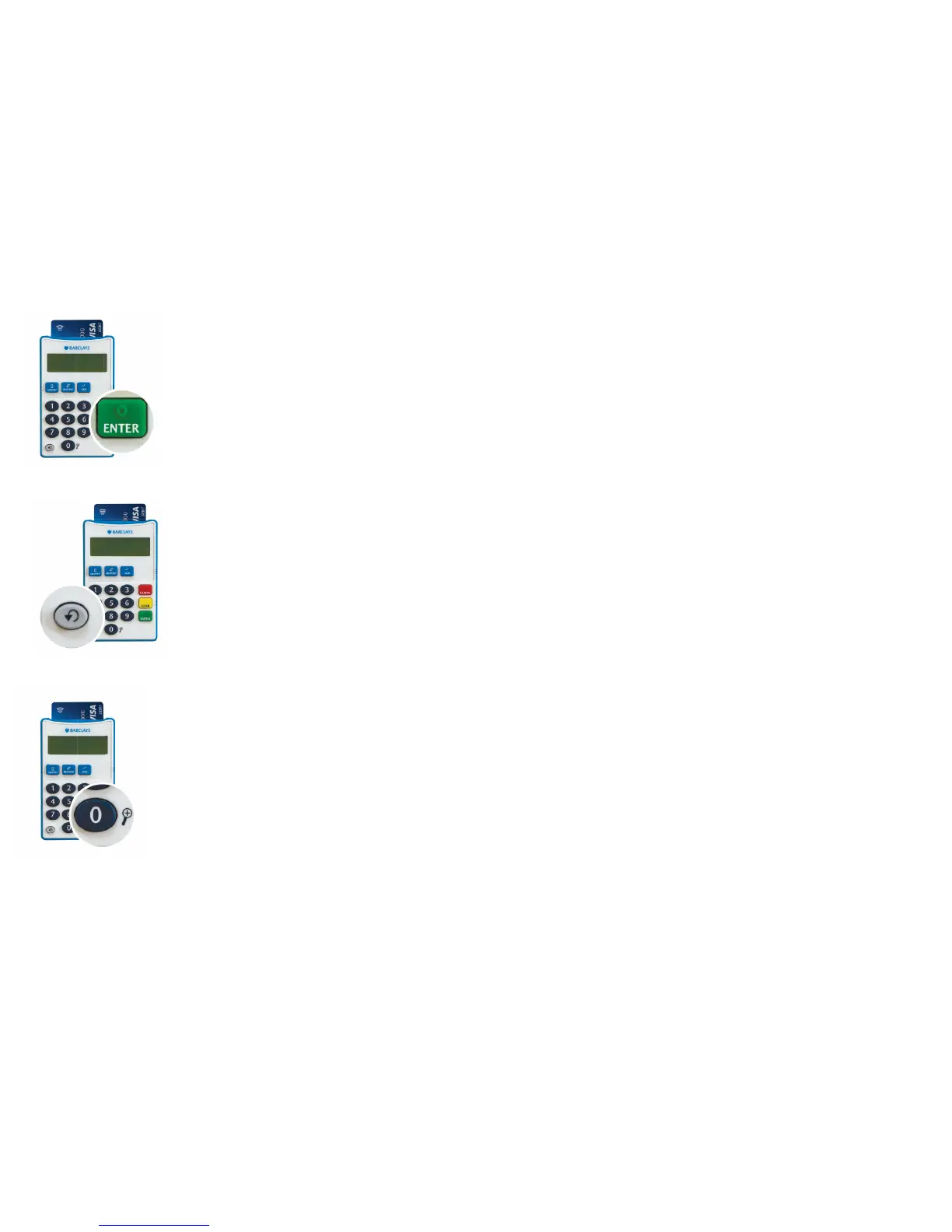
5 – Enter your PIN when prompted and press the green Enter button
on the card reader.
6 – The device will signal the end of the eight digit code with a beep
for audio users. You can get it to repeat the eight digit code by
pressing the Repeat key.
7 – Type the eight digit number that is shown on the card reader screen
into the box on your Online Banking log in page (you can enlarge this
text by holding the 0 button).


 To Next Page