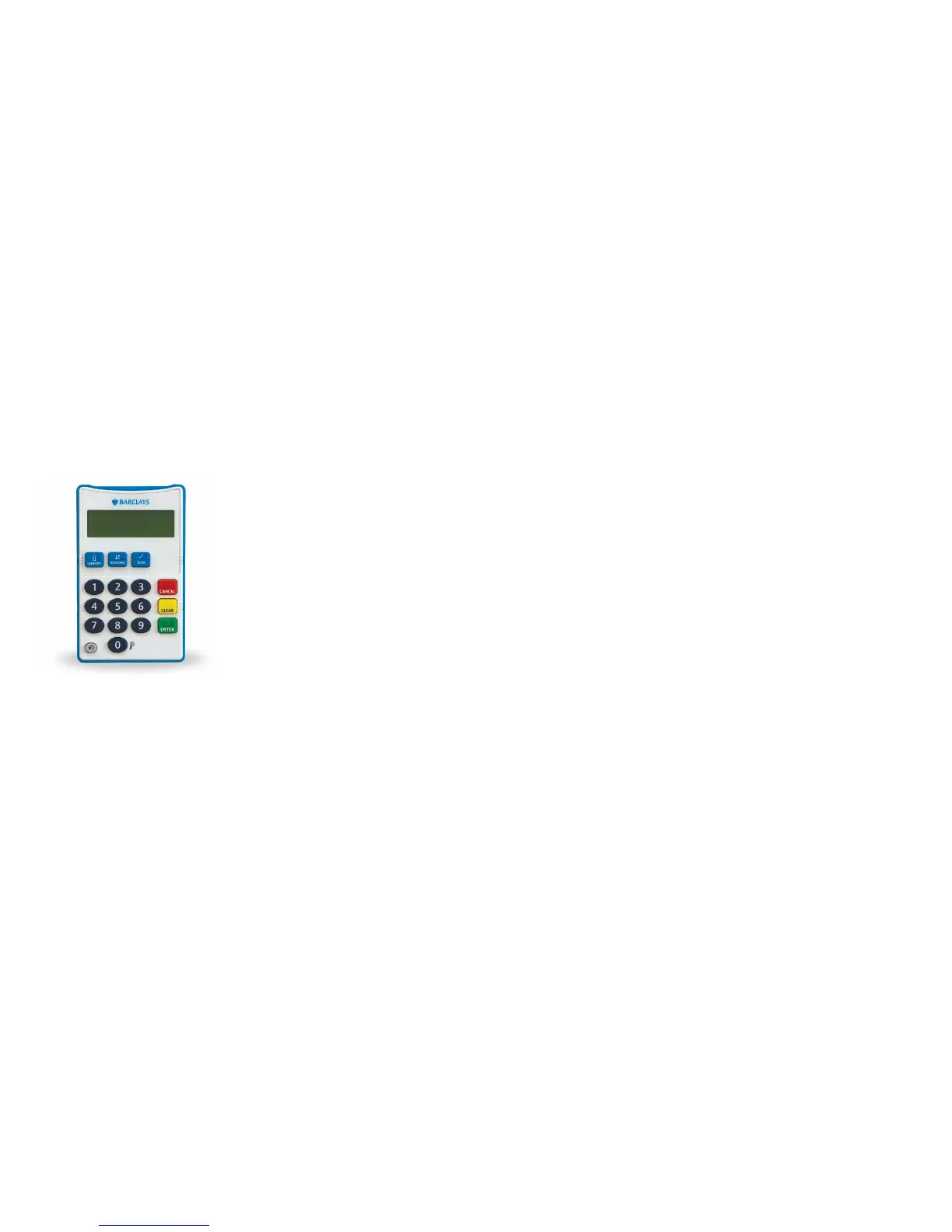
The illustration over the page will help you understand how to use the device.
1 – 3.5mm Headphone Socket
2 – Volume Dial – (Plus On/Off Switch) You can turn the audio function
on or off with this dial and adjust the volume. When the audio function
is switched on you will notice a ‘click’
3 – Card Slot
4 – LCD Screen
5 – Identify Key – (One raised dot and found in top row of function keys).
You will be prompted to press this key after you have inserted your card
as part of the Online Banking log-in process
6 – Respond – (Two raised dots and found in top row of function keys)
7 – Sign Key – (Three raised dots and found in top row of function keys).
You will be prompted to press this key after you have inserted your card
as part of the Online Banking payment process to someone new.
You will then be prompted to enter your card PIN followed by details
of your payment
Get to know the Accessible PINsentry card reader
Front


 To Next Page