Barracuda CloudGen Firewall
Barracuda NG Firewall F600 Revision C 6 / 8
Bits 8
Stop bit 1
Parity None
Handshake None
LC Display
Navigating
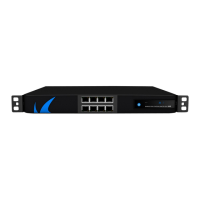
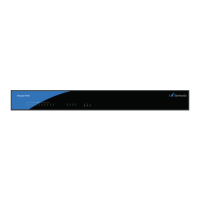
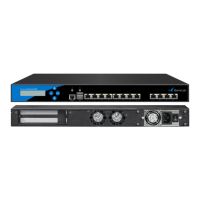
This security appliance features a key pad with four keys and an LCD panel on the left side of the
front panel. These may be used to obtain certain information and to perform certain commands
directly on the appliance.
Key Command
Left or Escape Navigates back or acts like an Escape key while working in the LCD menu.
Up Navigates up or increases a value.
Down Navigates down or decreases a value.
Right or Enter Navigates forth or acts like an Enter key for confirming a configuration step.
LCD Display Menu
You may use the LCD display and the keypad to access certain appliance features. Use the up
and down keys to navigate through the items of the main menu.
The LCD menu features the following items from top to bottom:
Menu Meaning
Appliance type, OS version and
release number
This is the default display.
IP address and subnet mask
Shows the configured IP address and subnet mask of the
appliance.
Time and date Shows time and date currently configured on the appliance.
Uptime of Barracuda OS The uptime in days, hours and minutes.
Serial number of the appliance Unique identifier for the appliance.
Shutdown menu Enables you to shut down the appliance.
Reboot menu Enables you to reboot the appliance.
Menu to change the
management IP address
Configure the IP address for the management port.


 To Next Page