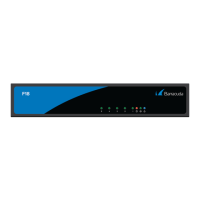
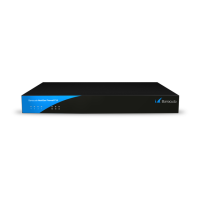
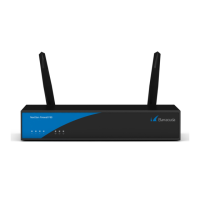
Barracuda CloudGen Firewall
F180 and F183 Revision A 2 / 7
do so by Barracuda Networks support will void your warranty and hardware support.
Barracuda Networks Appliance Safety Instructions
Always use the power supply shipped with the appliance. To prevent damage, connect the DC
plug to the appliance before plugging the power adapter into the AC outlet.
Default Port Configuration
Port Label OS Notation Speed/Type Management Port
1 p1 10/100/1000 MBit RJ45 X
2 p2 10/100/1000 MBit RJ45
3 p3 10/100/1000 MBit RJ45
4 p4 10/100/1000 MBit RJ45
5 p5 10/100/1000 MBit RJ45
6 p6 10/100/1000 MBit RJ45
s1-s8 s 10/100/1000 MBit RJ45 switch
Model F183 A Port Configuration
Port Label OS Notation Speed/Type Management Port
1 p1 10/100/1000 MBit RJ45 X
2 p2 10/100/1000 MBit RJ45
3 p3 10/100/1000 MBit RJ45
4 p4 10/100/1000 MBit RJ45
5 p5 10/100/1000 MBit RJ45
6 p6 10/100/1000 MBit RJ45
7 p7 1 GbE Optical Fiber SFP
8 p8 1 GbE Optical Fiber SFP
The CloudGen Firewall hardware appliances ship with a Quick Start Guide. Follow this guide to
connect to your firewall. To protect your network, follow the instructions for the standard
deployment.


 To Next Page