Barracuda CloudGen Firewall
Barracuda NG Firewall F400 Revision B 5 / 6
LCD Display Menu
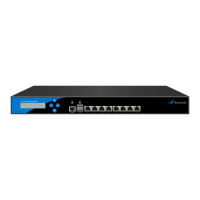
You may use the LCD display and the keypad to access certain appliance features. Use the up
and down keys to navigate through the items of the main menu.
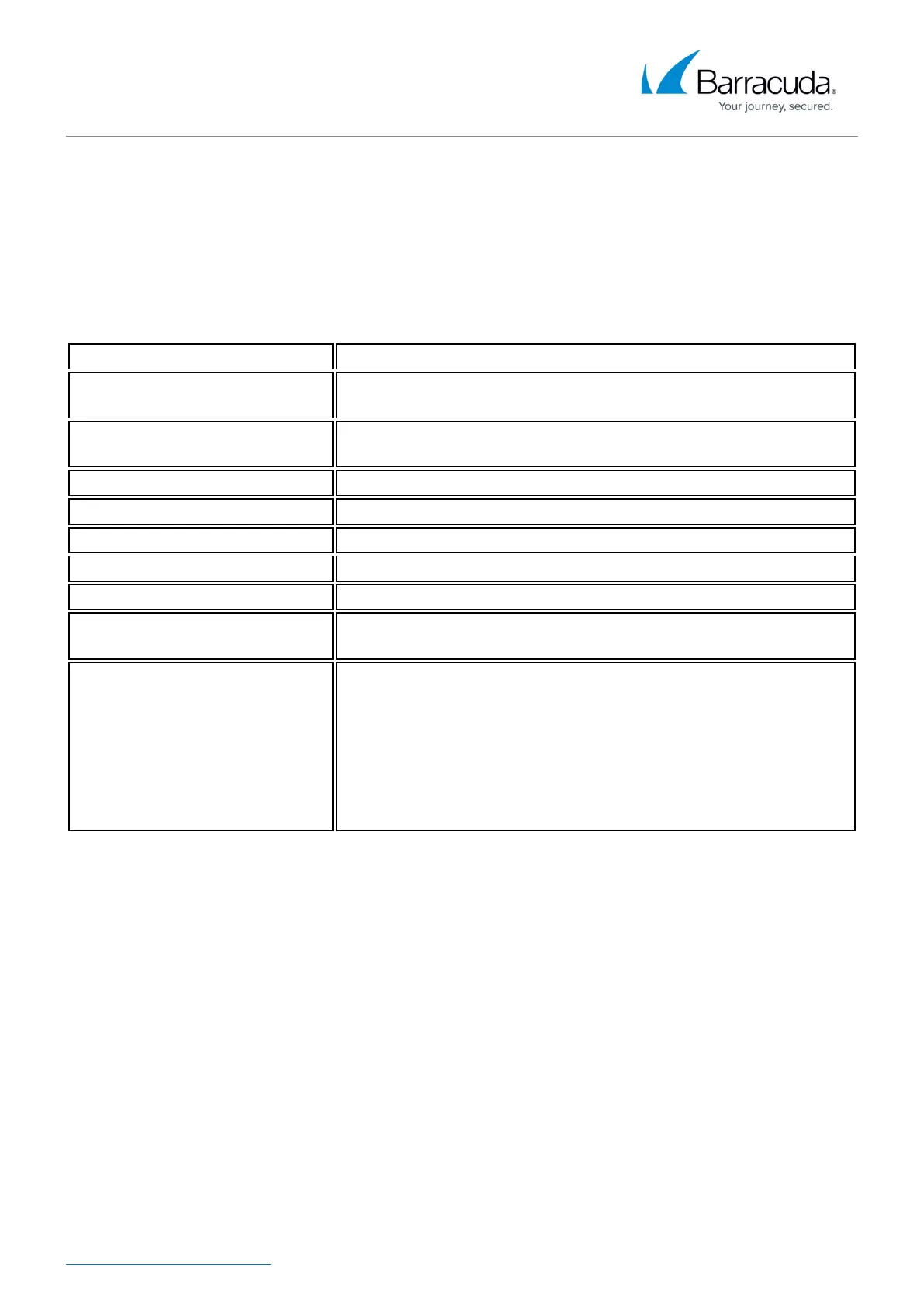
The LCD menu features the following items from top to bottom:
Menu Meaning
Appliance type, OS version and
release number
This is the default display.
IP address and subnet mask
Shows the configured IP address and subnet mask of the
appliance.
Time and date Shows time and date currently configured on the appliance.
Uptime of Barracuda OS The uptime in days, hours and minutes.
Serial number of the appliance Unique identifier for the appliance.
Shutdown menu Enables you to shut down the appliance.
Reboot menu Enables you to reboot the appliance.
Menu to change the
management IP address
Configure the IP address for the management port.
Menu to boot into ART during the
next reboot
Enables you to set a flag that will cause the appliance to boot into
ART the next time it is rebooted.
Once set, this flag can not be deleted through the menu. When
rebooted, the appliance will not start Barracuda OS, but ART
instead. You may connect to the appliance by using the serial
console or by SSH. A Control Center managed box running in ART
mode cannot be managed through the CC, although it will build a
connection to the CC signaling its presence.


 To Next Page
 Loading...