2
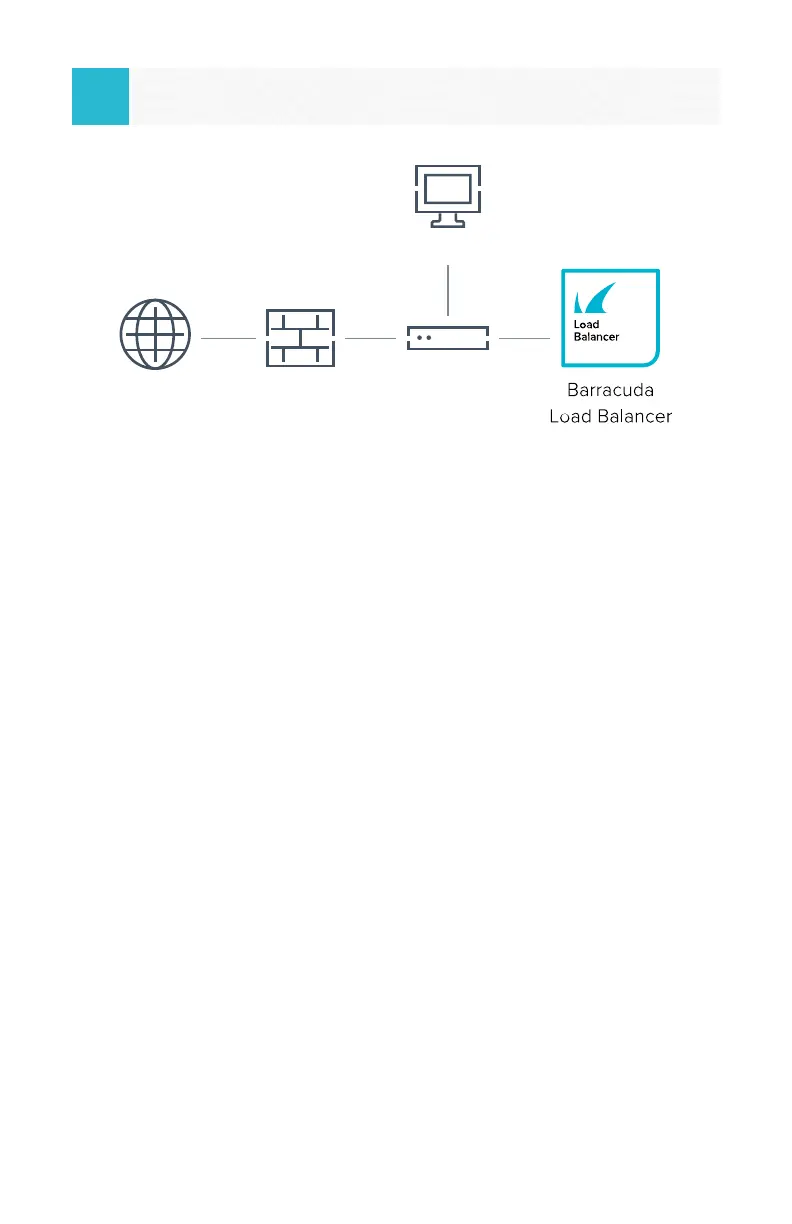
With a monitor connected, after it is fully booted, the login prompt displays.
1. Log in using admin/<Numeric portion of the serial# of
the appliance>.
2. Congure the management IP address (the default value
is 192.168.200.200).
3. Go to TCP/IP Conguration, and in the right pane, congure the
addresses as appropriate for your network including:
• Management IP Address/Netmask
• Gateway Address
• Management VLAN ID (Optional)
• Primary/Secondary DNS Servers
• Proxy Server Conguration (Optional)
Setup
3
Congure IP Address and Network
Switch
Management
FirewallInternet



 To Next Page