Configuration through WEB interface– 20
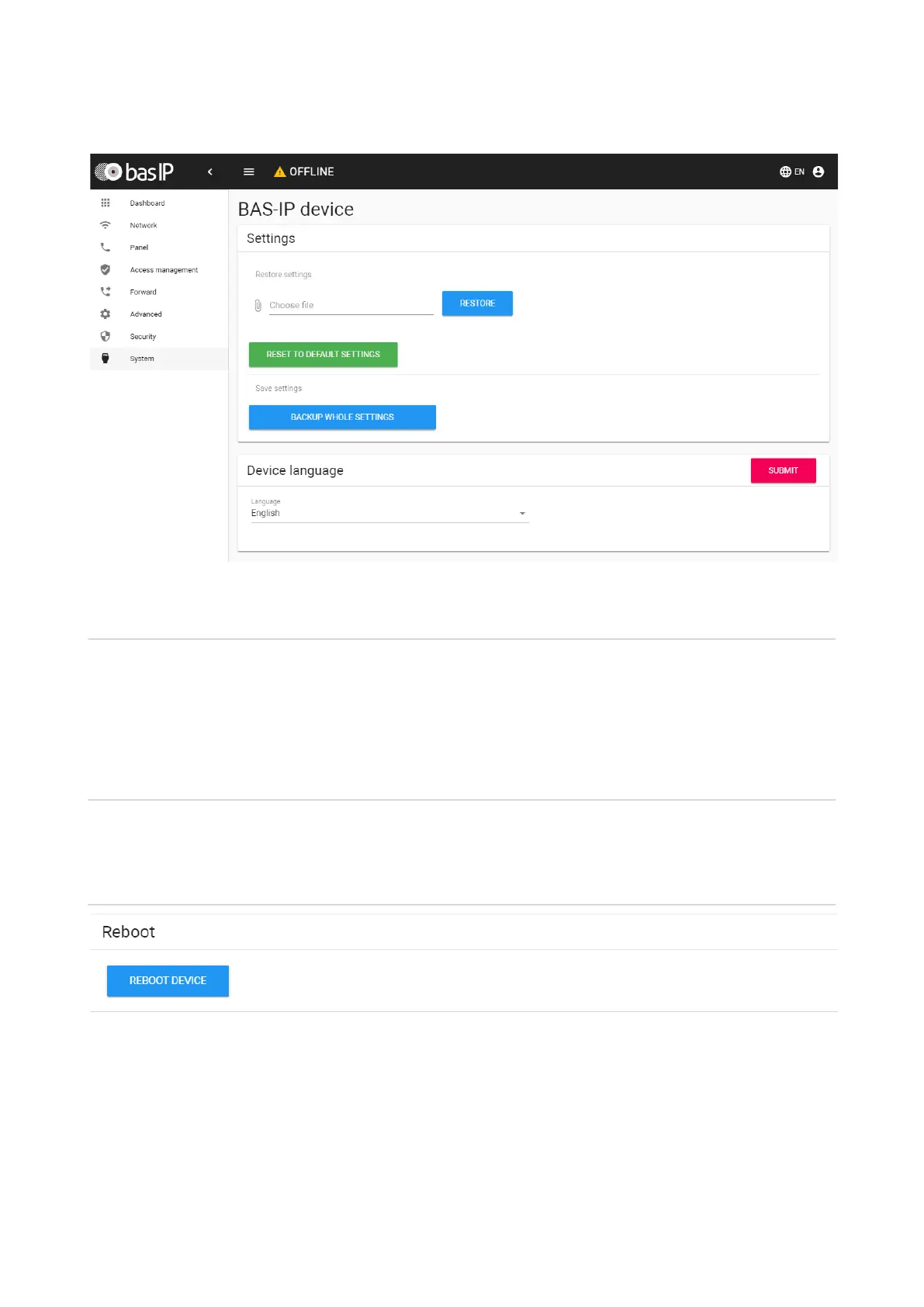
Settings
Choose file:Selecting the panel configuration file from the PC file system.
Set default settings:Reset all panel settings to factory defaults.
Backup all settings:Save and export configuration files.
Device language
Choosing the language of the device.
Reboot
Reboot:Soft reset of the panel.



 To Next Page