Usage of the device– 28
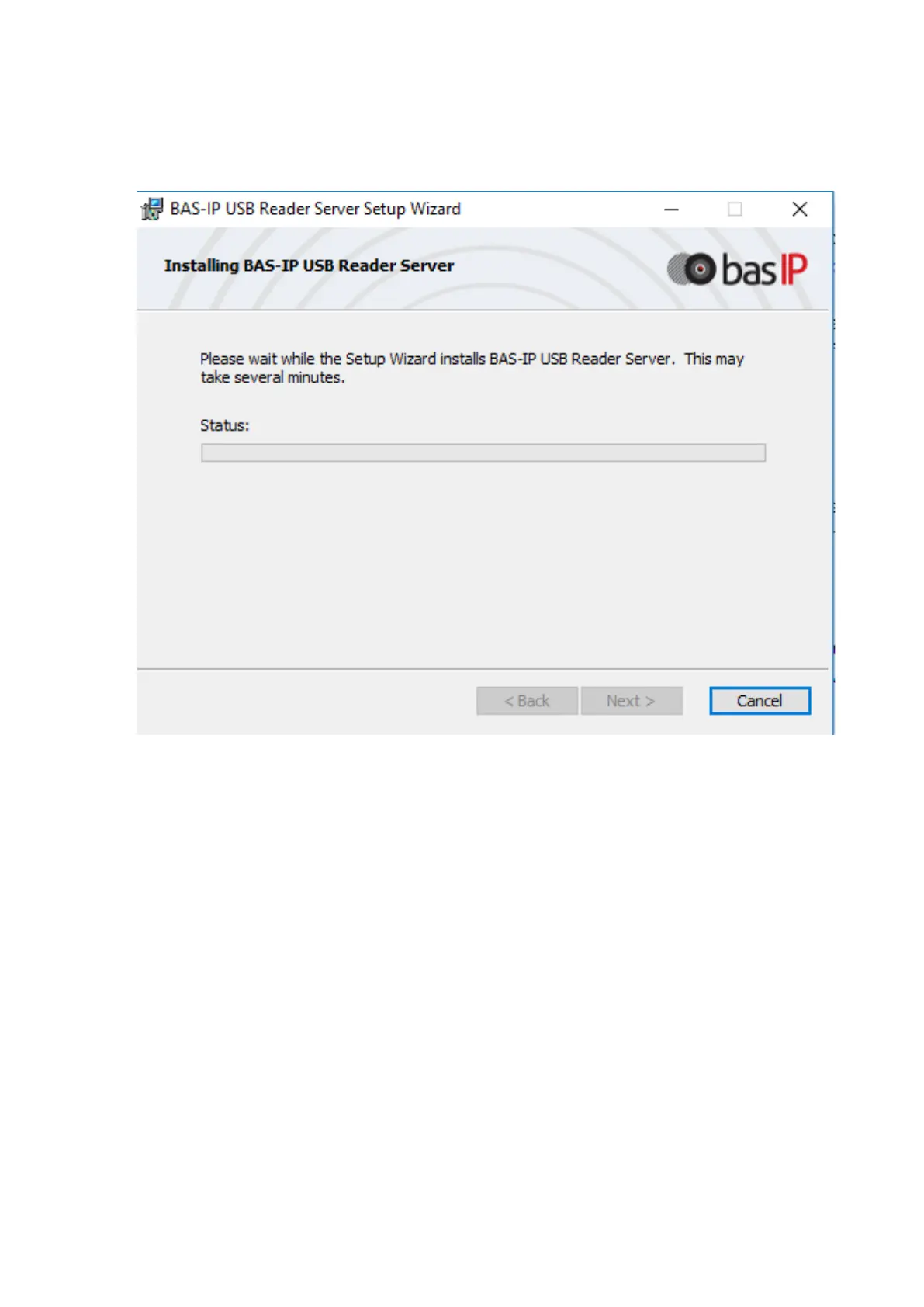
2. Install and launch the program on a PC with the Windows Family OS to write the
identifiers "BAS-IP USB Reader Server";
3. Connect the reader to PC;
4. Bring a master-card to the reader;
5. Bring a cell phone to the reader (make sure Bluetooth is on) and enter UKEY App, then
press Obtain button or select Obtain BAS-IP TR-03 key.
6. The reader will transmit a mobile ID to your cell phone, thus "Your key is ready" will
appear in the app.



 To Next Page