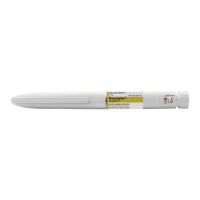
• Dose Knob: Light grey with green ring on the end
• Labels: Light grey with green color bars
• BASAGLAR KwikPen
• KwikPen compatible Needle (Becton, Dickinson and Company Pen Needles recommended)
• Alcohol swab
• Wash your hands with soap and water.
• Check the Pen to make sure you are taking the right type of insulin. This is especially important if you use
more than 1 type of insulin.
• Do not use your Pen past the expiration date printed on the Label or for more than 28 days after you first
start using the Pen.
• Always use a new needle for each injection to help prevent infections and blocked needles. Do not reuse
or share your needles with other people. You may give other people a serious infection or get a
serious infection from them.
Step 2:
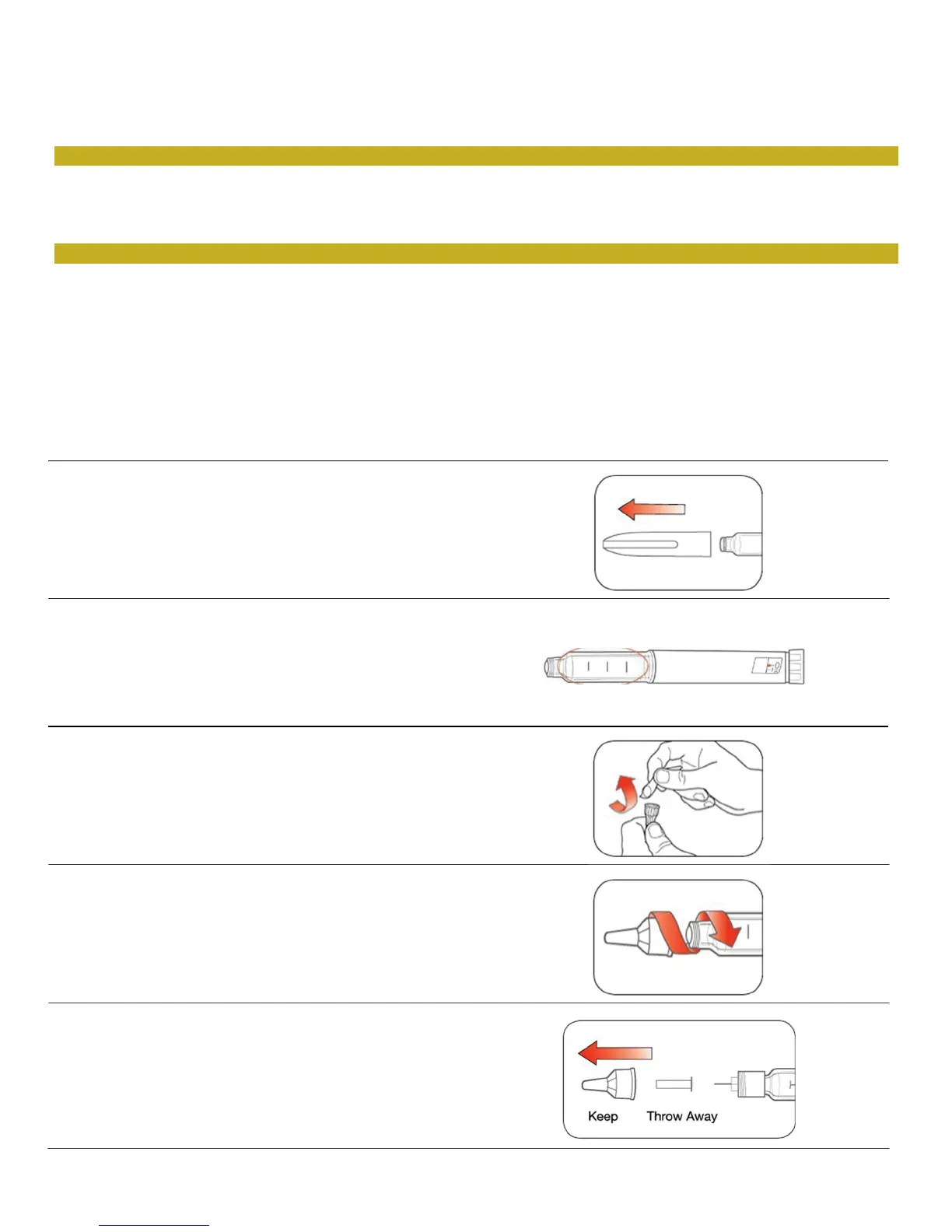
• Check the liquid in the Pen.
BASAGLAR should look clear and colorless. Do not
use if it is cloudy, colored, or has particles or clumps
in it.
• Pull the Pen Cap straight off.
- Do not remove the Pen Label.
• Wipe the Rubber Seal with an alcohol swab.
• Select a new Needle.
• Pull off the Paper Tab from the Outer Needle
Shield.
• Push the capped Needle straight onto the Pen
and twist the Needle on until it is tight.
• Pull off the Outer Needle Shield. Do not throw it
away.
• Pull off the Inner Needle Shield and throw it
away.


 To Next Page