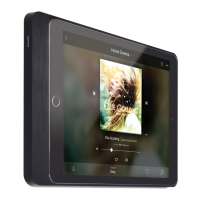
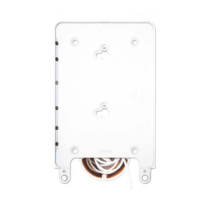
Installation Manual
© 2020
basalte v2.0
Installation instructions
1. Install square wall box (60mm) or compatible round wall box.
Wall box should have screws with a vertical distance of 60mm and minimal depth of 45mm.
2. Connect the RJ45 connector to an ethernet cable connected to a PoE switch or PoE injector.
3. Fix the wall base to the wall box with 2 screws using the holes on vertical axis.
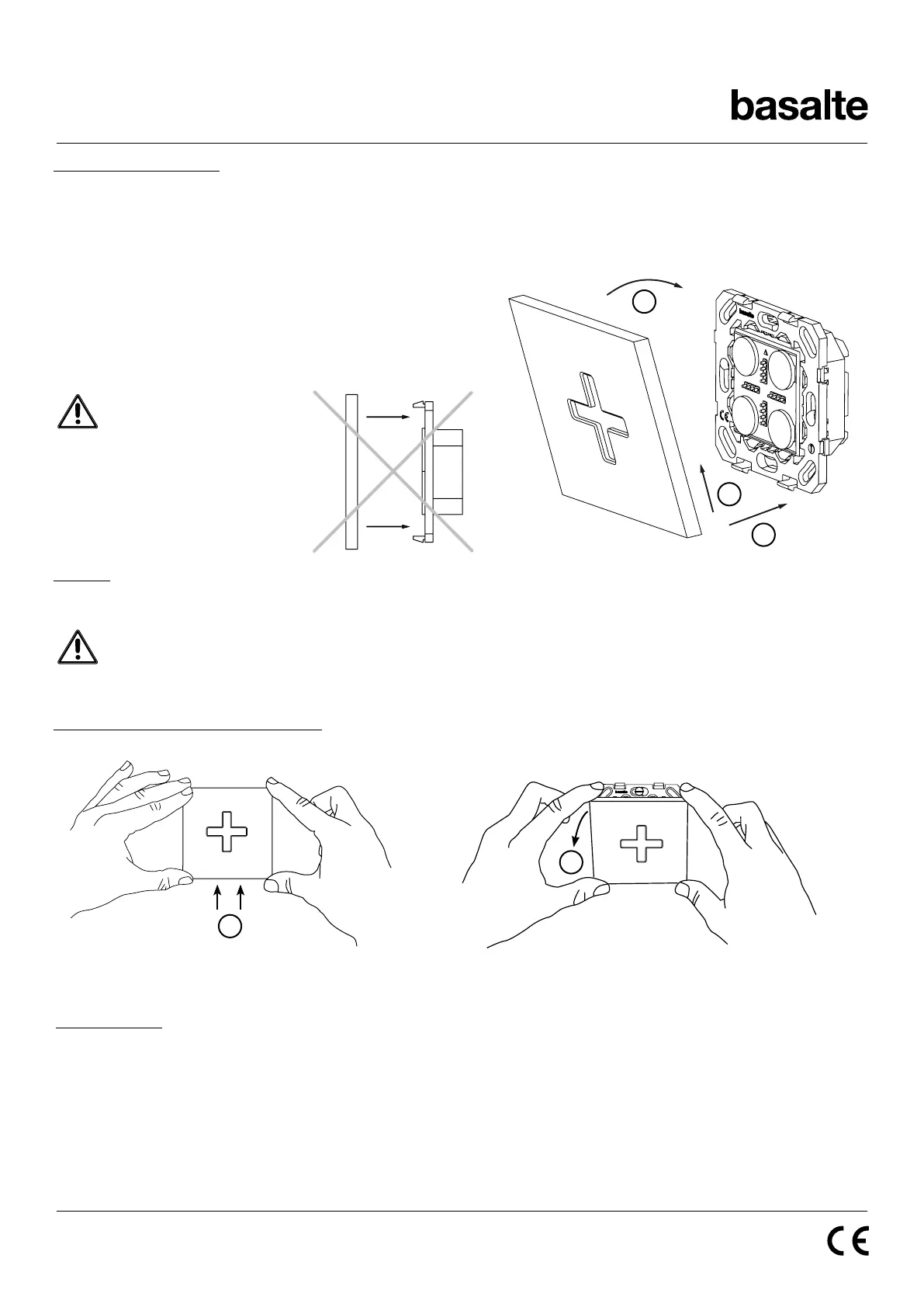
4. Mount the cover using the clips (see drawing below).
Cabling
Use at least an ethernet cable Cat 5.
The Eve plus wall base POE will only provide charging power to the sleeve. If you want to provide a data
connection use the Eve plus wall base USB (0130-02) in combination with the Eve (plus) gigabit PoE
adapter (0610-20).
How to remove the Socket front cover (see drawing below)
EVE PLUS WALL BASE POE
Technical data
PoE standard: 48 V PoE IEEE 802.3af
Consumption: Input power 15W
Operating temperature: 0°C - + 35°C
A Place the frame over the lower clips
B Push the frame upwards and tilt towards the wall
C Attach the frame over the top clips
Pushing the frame straight
into the clips without
pushing upwards and
lifting, might damage the
wall base.
E Push the frame upwards
F Tilt the frame away from the wall
a
b
c
e
f
basalte bv | hundelgemsesteenweg 1A | 9820 merelbeke | belgium
t +32 (0)9 385 78 38 | f +32 (0)9 329 66 95 | www.basalte.be | info@basalte.be


 To Previous Page
 Loading...