01
EN
Pairing
Instructions
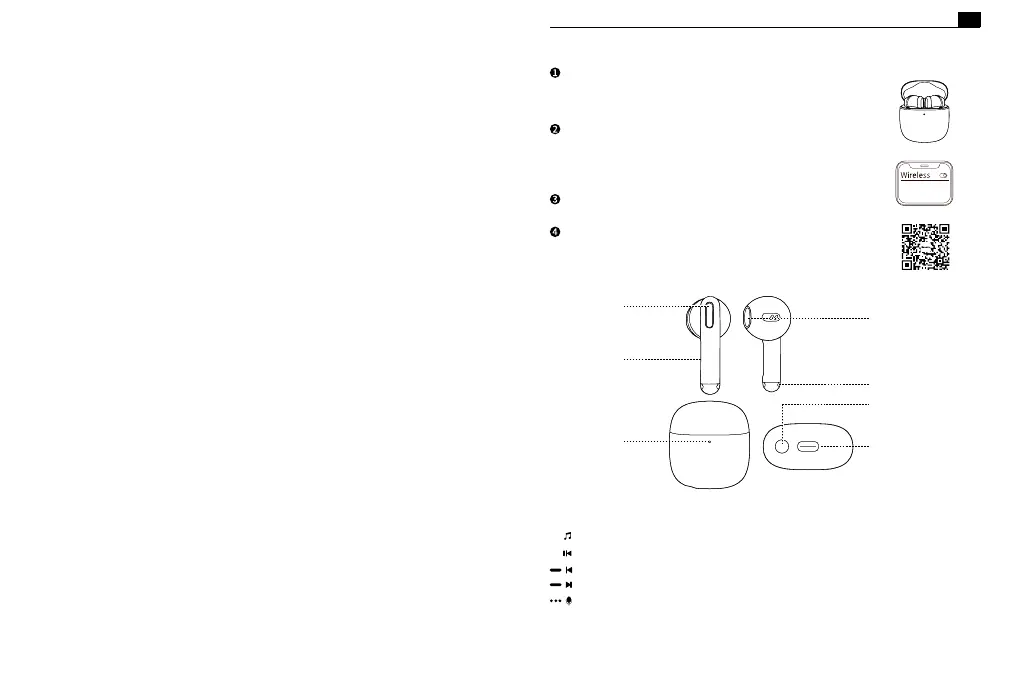
The earphones will automatically power on after
opening the charging case lid.
Turn on wireless mode on your phone to search and
pair the earphones.
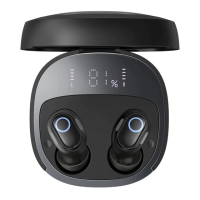
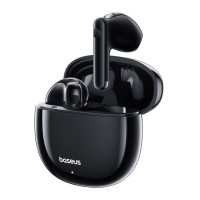
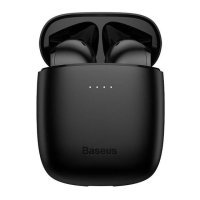
Select device model:Baseus Bowie WX5
Put the earbuds into the charging case and close the
lid to power o the earphones.
Type-C charging port
Charging case button
Charging case
indicator
Touch control
Mic
Swipe up or down to
adjust volume
Charging contacts
Sound outlet
Power on
Wireless connection
Power o
Download the app and link the earphones to the app.
Baseus Bowie WX5
Play/ Pause: Double-tap left or right earphone (L or R)
Previous song: Gesture settings in the APP
Next song: Gesture settings in the APP
Activate the voice assistant: Triple-tap left or right earphone (L or R)
Music mode:
+
-


 To Next Page