5
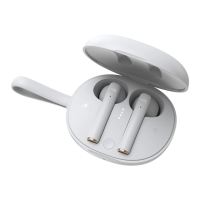
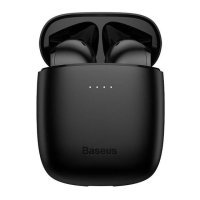
Charging
Talk mode
• Answer a call: When there is an incoming call, press the MFB once on master or
slave earphone to answer the call.
• Hang up a call: When calling, press MFB once on master or slave earphone to
hang up the call.
• Reject a call: When there is an incoming call, Press and hold the MFB key on
master or slave for 2 s to reject the call.
• Redial Audio Switch: During voice call, press and hold MFB on master earphone
for 1 s to switch from earphone to smartphone, do the same to switch back to
earphone.
• Multiparty call: When there is an incoming call, press the MFB once to answer the
call 1. When the other call (call 2) is coming, press once to answer call 2, press
and hold MFB to switch between them.
Earphone charging time: 1,5 h
Charging case c
harging time: 4h



 To Next Page