EasyManua.ls Logo

Baseus Encok W05 - Product Controls Overview; Music Mode Operations; Call Mode Operations

Baseus Encok W05
36 pages
Print Icon
To Next Page IconTo Next Page
To Previous Page IconTo Previous Page
Loading...
4
Controls
Music mode
Double tap the left earphone (L): activate voice assistant.
Double tap the right earphone ®: Play / pause.
Long press the left earphone for 1,5 second: previous song
Long press right earphone for 1,5 second: next song
Call mode
Double tap left or right earphone: answer / hang up.
Long press left or right earphone: reject the call.

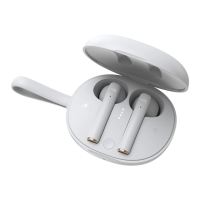
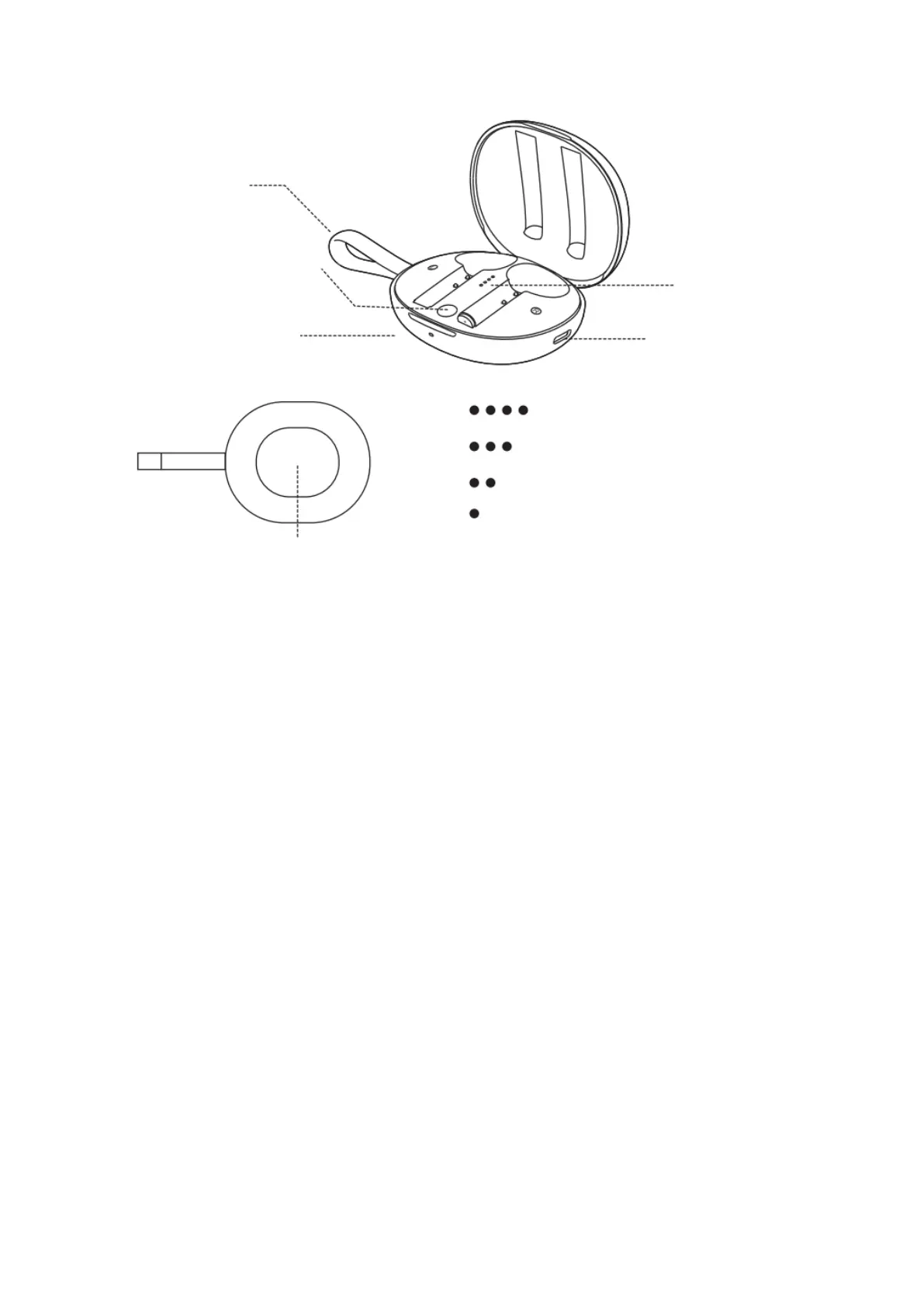
Silicone lanyard
Charging status light
Flashes while charging
Battery indicator
Type-C charging port
The electric quantity is 76 100 %
The electric quantity is 51 - 75 %
The electric quantity is 26 - 50 %
The electric quantity is 0 - 25 %
Wireless charging recognition area

Related product manuals