3.Setup Instructions
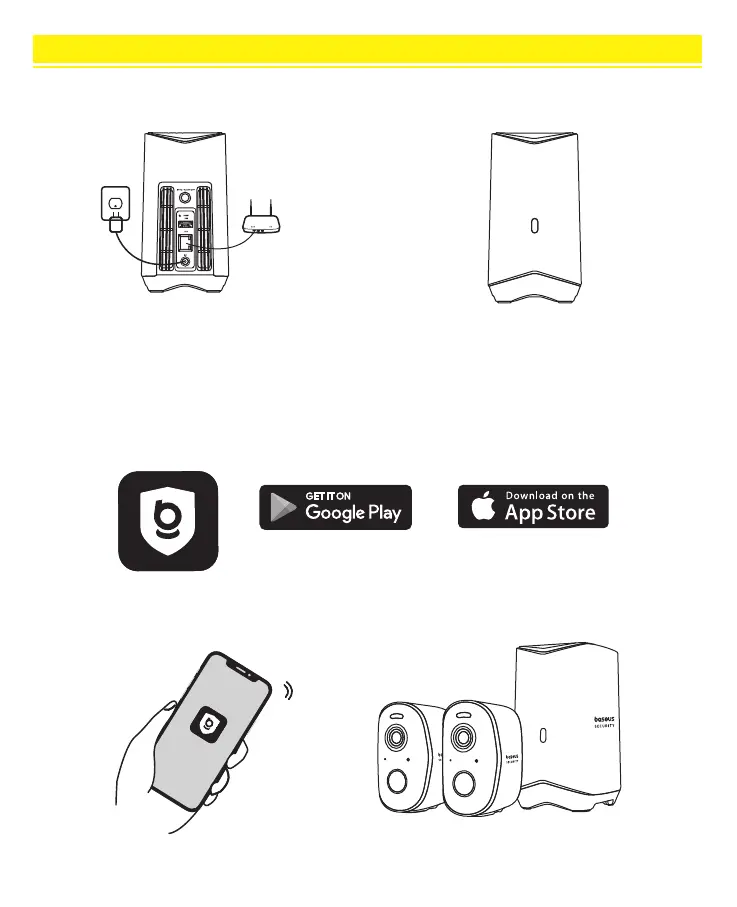
Download and install the baseus Security APP, and register an account. Follow the onscreen instructions to complete the
setup. The Home Station indicator light will stay on blue when pairing is successful.
Google Play and the Google Play logo are
trademarks of Google Inc.
Apple and the Apple logo are trademarks
of Apple Inc.
① Connect the HomeStation
When the indicator light lights blue, the H1
HomeStation is ready for setup, which takes
about 1 minute.
02
② Download the App for Synchronization
Connect the included power adapter to the
H1 HomeStation and turn it on. Use the
included Ethernet cable to connect the H1
HomeStation to your router.



 To Next Page