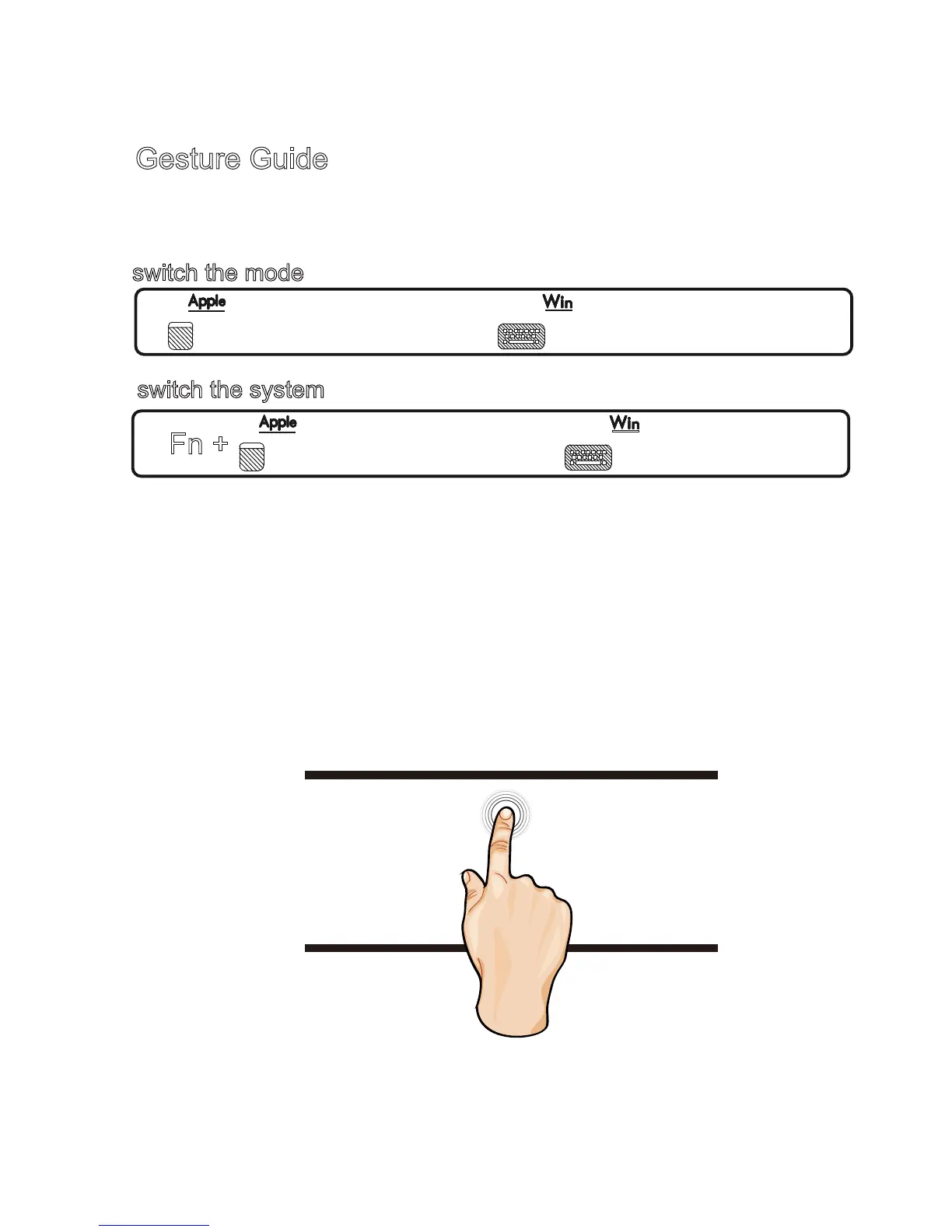
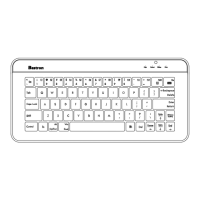
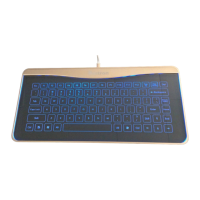
1、B6 keyboard has two functions of keyboard and touchpad, you
need to switch mode when using different functions .
2、Note:the touchpad function is only available using Mac OSX and
Windows systems.Not available for using on tablets/smartphones.
3、B6 operation gestures in Mac OSX and Windows systems is
distinguished by watermark.
4、All keys with the underline need to combine with Fn to use.
5、Ten fingers touch the screen at the same time to switch the
backlight .
Mac OSX
Single finger:Keep moving is mouse pointer, click with single
finger is left click.
.
switch the mode
Touchpad mode
Keyboard mode
switch the system
Fn +
Fn +
Mac system
Windows system
Gesture Guide
A3


 To Next Page