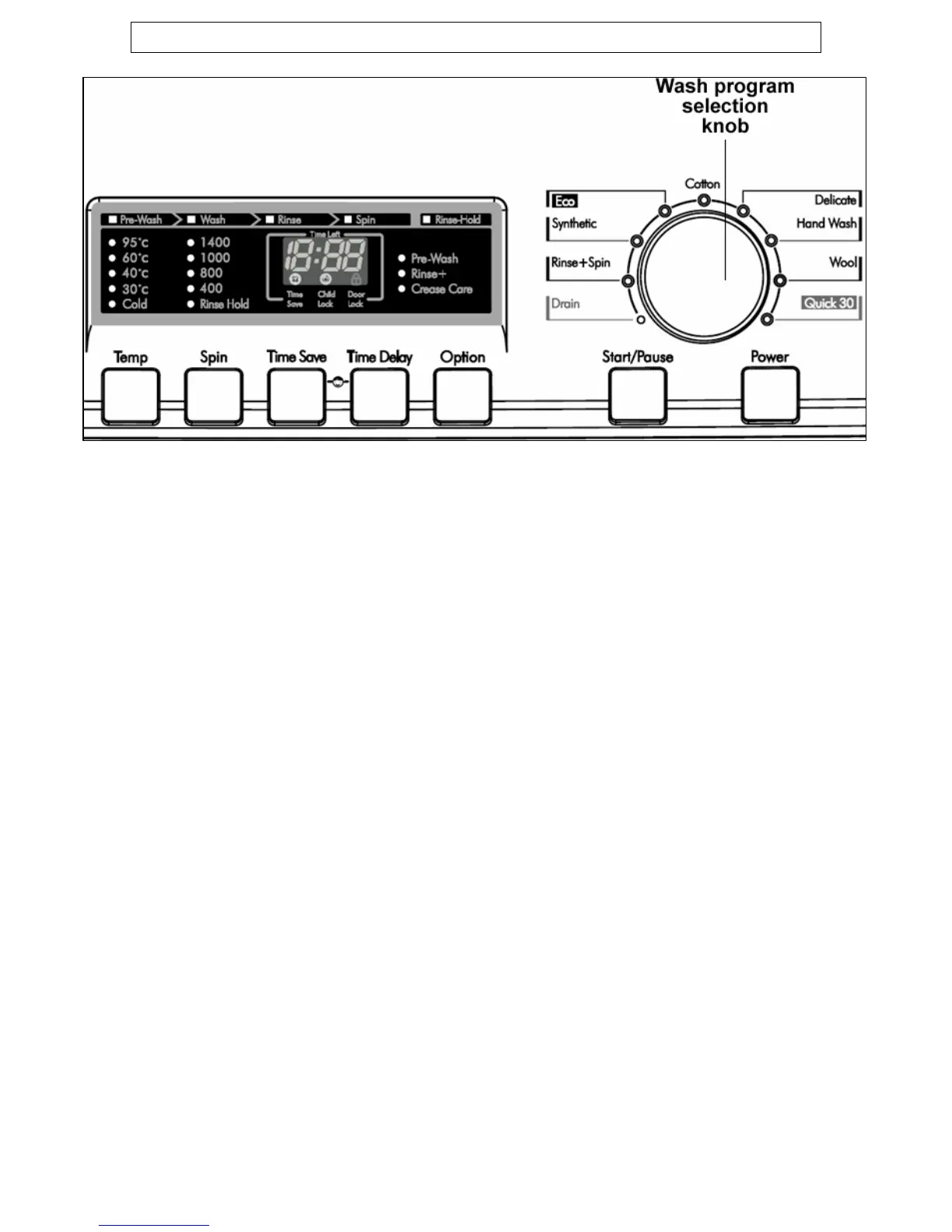
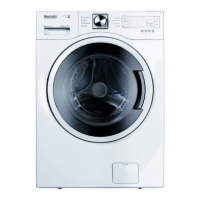
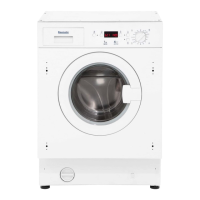
Control panel
Power button
Press this button to switch the machine on and off.
Wash program selection knob
Turn this control knob to select the wash program of your choice. To
activate it you should press the power button to switch the appliance
on and then turn the selection knob until it reaches the wash program
that you want.
Start/Pause button
Press this button to start the wash program that you have selected or
to pause a wash cycle when it is in progress.
9


 To Next Page