13
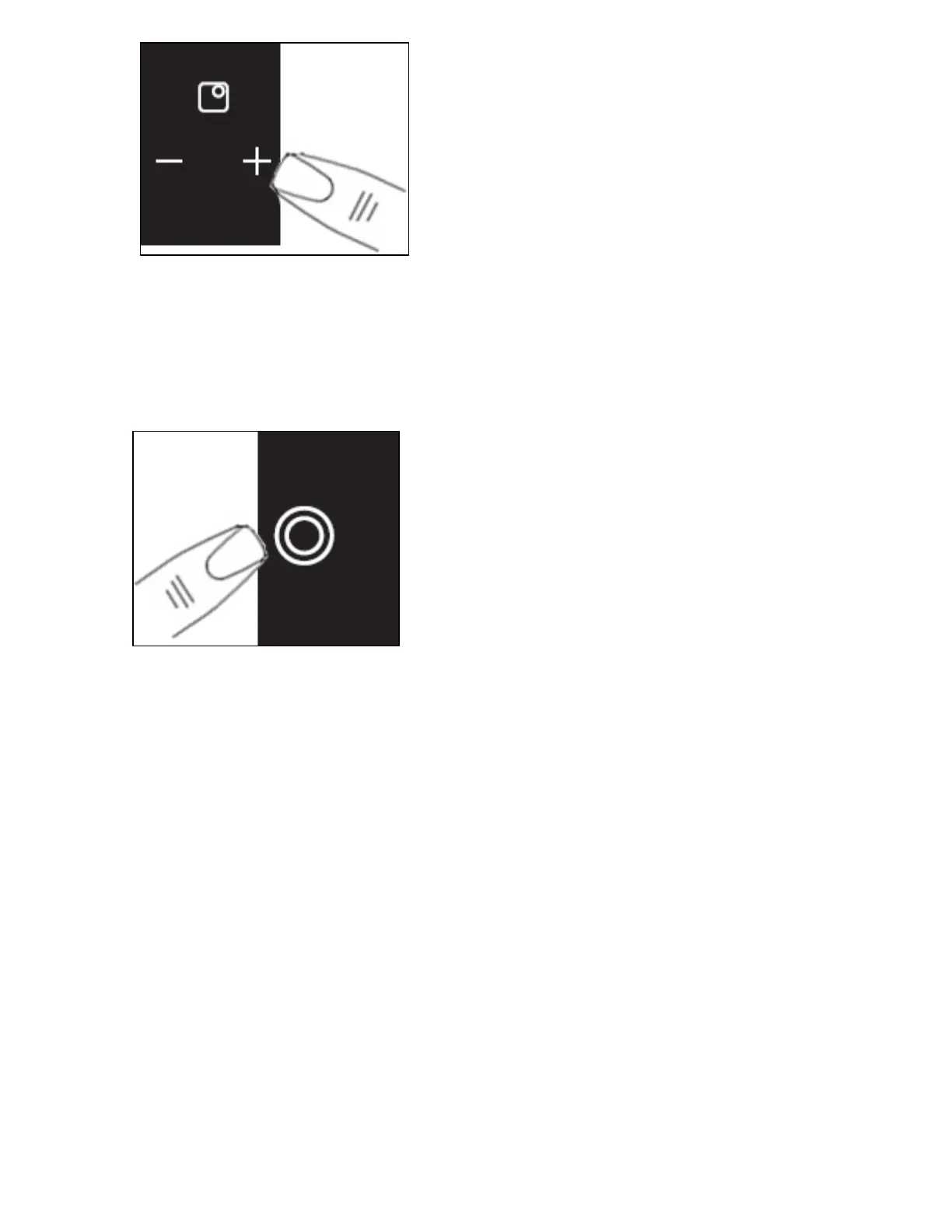
o Press the cooking zone plus button
(4) for the dual circuit zone.
o Adjust the zone between power levels 1 and 9, using the plus
(4) and minus (2) buttons. By holding down either of these
buttons, the value on the zone indicator (3) will adjust up or
down.
o The central section of the dual cooking zone will switch on.
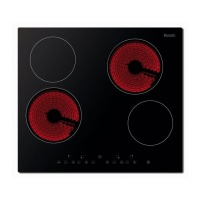
o If you wish to activate the outer
section as well, you should press
the dual cooking zone ON/OFF
button (9). A neon above the
button will light.
o To switch the outer section off, you should press the dual
cooking zone ON/Off button again. The neon above the button
will go out and the outer section will go off.
o To switch off the zone after use, press the cooking zone minus
button (2) of the dual cooking zone.
o Hold the button down until the number in the cooking zone
indicator reaches “0”. After a few seconds, the zone will switch
off automatically.
o The letter “H” will show in the cooking zone indicator (3).



 To Next Page