14
o Cooking pasta.
9 o Stir-frying.
o Searing.
o Bringing soup to the boil.
o Boiling water.
Using the timer
o When the cooking zone is in use, it is possible to set a
countdown time after which the hob will turn off automatically.
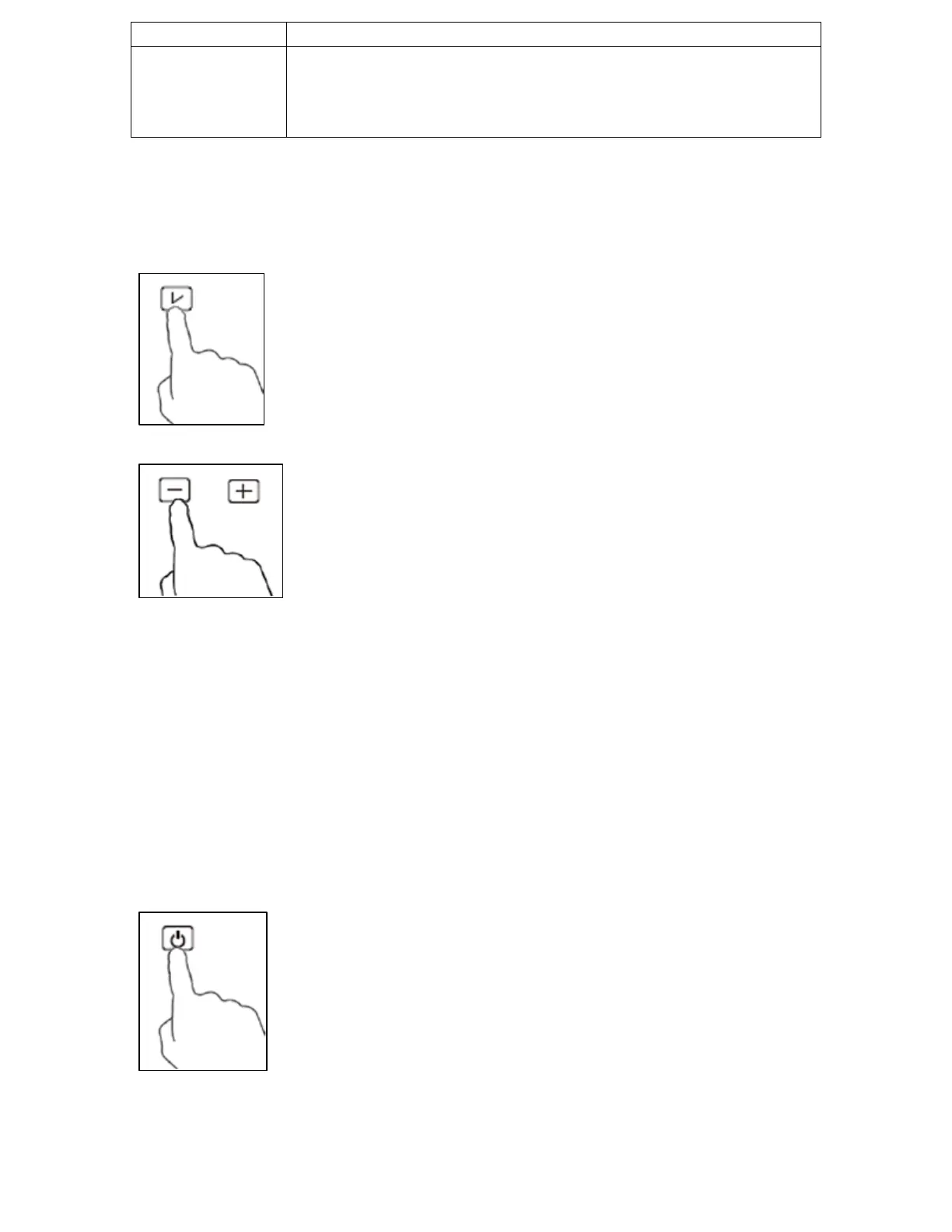
o To set a countdown time, press the timer button
(8) and a buzzer will sound. The display will flash
“0:00” and the timer “min” light (10) will come
on to indicate that the hob has entered the time
setting mode.
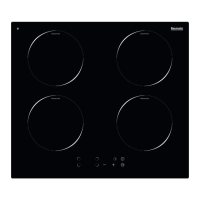
o Use the plus (11) and minus (9) buttons to set
the required countdown time. Each press of
these buttons which increase or decrease the
time by 1 minute. If either of the buttons is held
down, the time will increase or decrease by 10
minutes.
o When the display shows the correct countdown time release all
buttons. The display will flash for 5 seconds before the timer will
be set. The countdown will then begin straight away.
o When the timer reaches “0:00” the hob will automatically switch
off. The default time for the hob to automatically switch off after
is 2 hours.
o You can cancel the timer function at any time during the
countdown by pressing the timer button (8).
Turning off the induction zone after cooking
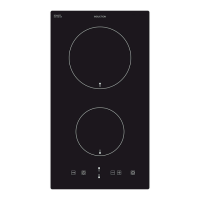
o After you have finished using the induction zone,
press the ON/STANDBY button (1) to turn the
hob off and stop the zone heating.


 To Next Page