16
Quick start
o If you want to cook on the highest power level setting for a
period of time, then you can use the Quick Start/Start button
(C).
o Press the Quick Start/Start button (C) once and your microwave
will operate on full power for 1 minute.
o Each time you press the Quick Start/Start button (C) the
cooking time will increase by 1 minute.
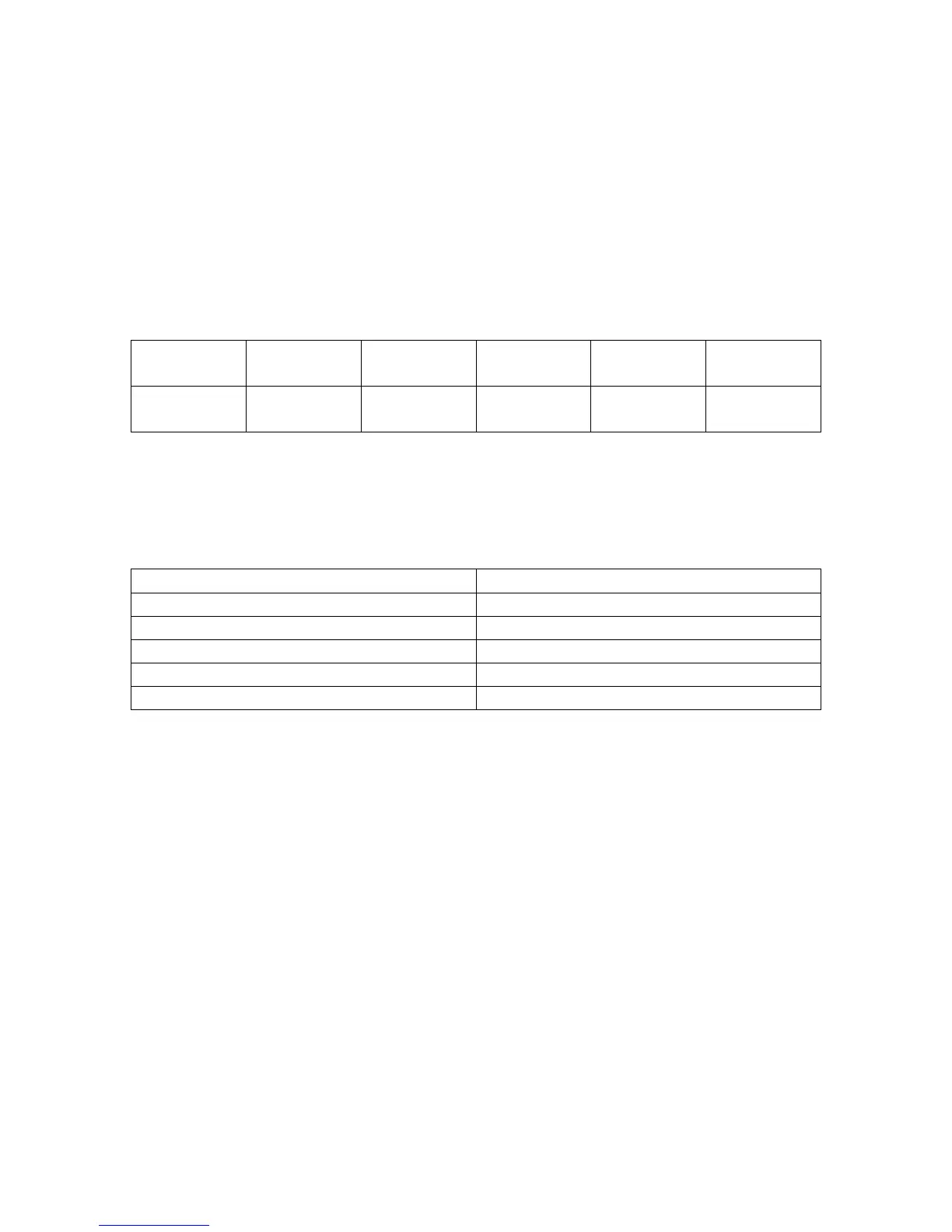
Microwave power level chart
Power High Medium
high
Medium Medium
low
Low
Display
shows
P100 P80 P50 P30 P10
Time setting chart
When you are setting a cooking time, the clock will count in the
following time intervals.
Time period being set Time intervals
0 – 1 minute 5 seconds
1 – 5 minutes 10 seconds
5 – 10 minutes 30 seconds
10 – 30 minutes 1 minute
30 – 95 minutes 5 minutes
Interrupting a cooking cycle
o If you wish to temporarily interrupt a cooking cycle when it is in
progress (for example to stir what you are heating), you should
press the door button (F).
o The door of the microwave will open and it will stop heating
immediately.
o To restart the cooking cycle, close the microwave door and then
press the Quick Start/Start button (C).






 To Next Page