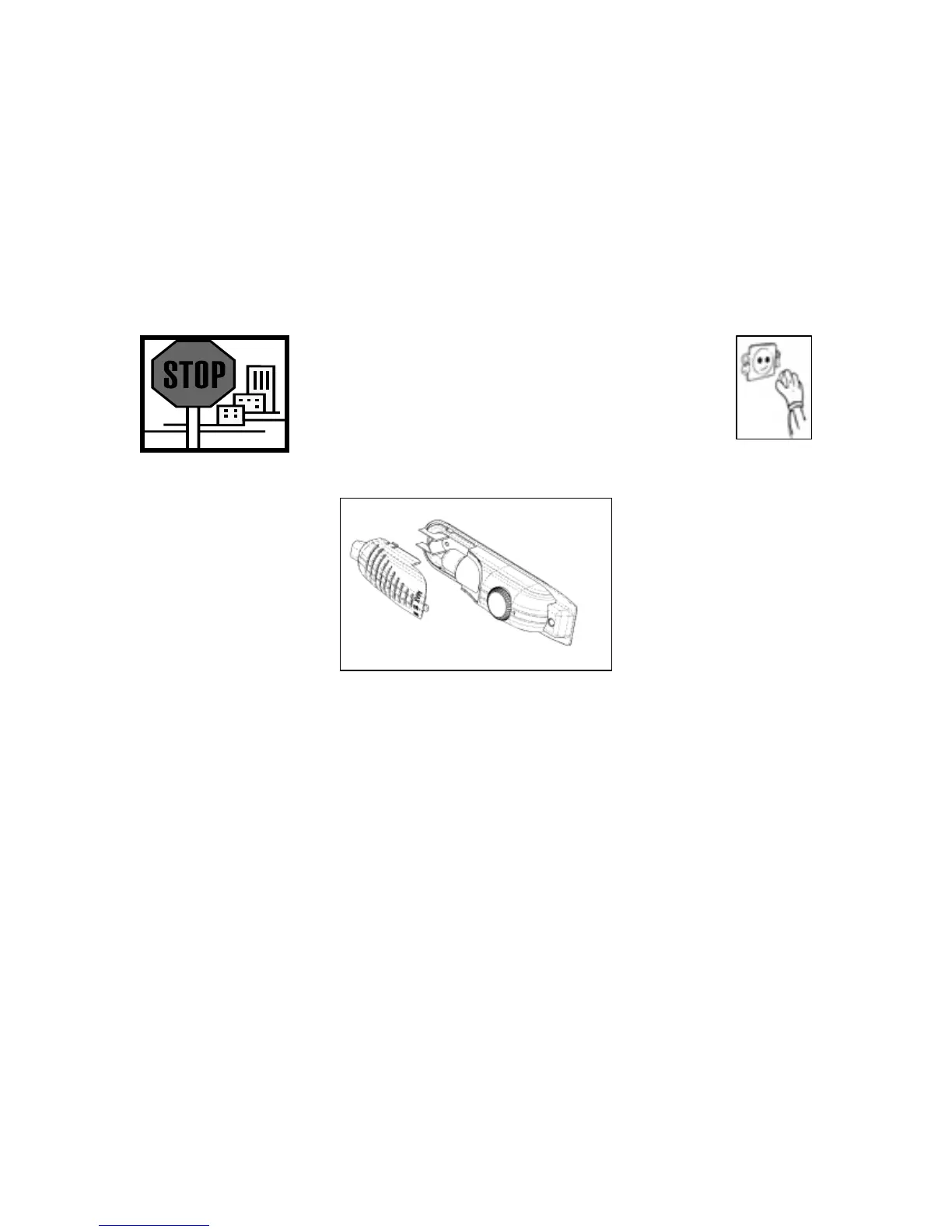
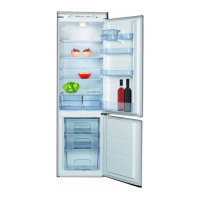
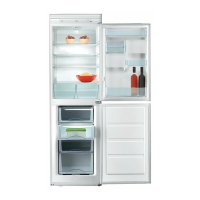
o There is an interior light in the top of the refrigerator section.
o Remove the bulb housing cover, by gently pulling the clip away
from its slot. Then slide the cover off, removing the lugs on the
cover from the bulb housing.
o Change the present light bulb with a new one. The replacement
bulb should not have a greater rating than 15 W.
o Replace the light cover and after waiting five minutes, reconnect
your plug to your mains supply.
Replacing the light bulb (BRB2616)
26
WARNING: PLEASE ENSURE THAT YOUR
APPLIANCE IS DISCONNECTED FROM
YOUR MAINS SUPPLY BEFORE
ATTEMPTING TO REPLACE THE LIGHT
BULB.
o There is an interior light on the right hand side of the refrigerator
section (next to the thermostat dial).
o Press the hooks on the sides of the light cover and slide the
cover off.
o Change the present light bulb with a new one. The replacement
bulb should not have a greater rating than 15 W.
o Replace the light cover and after waiting five minutes, reconnect
your plug to your mains supply.


 To Next Page