25
To get better cooking result, the oven needs "cooling" which discribes in below.
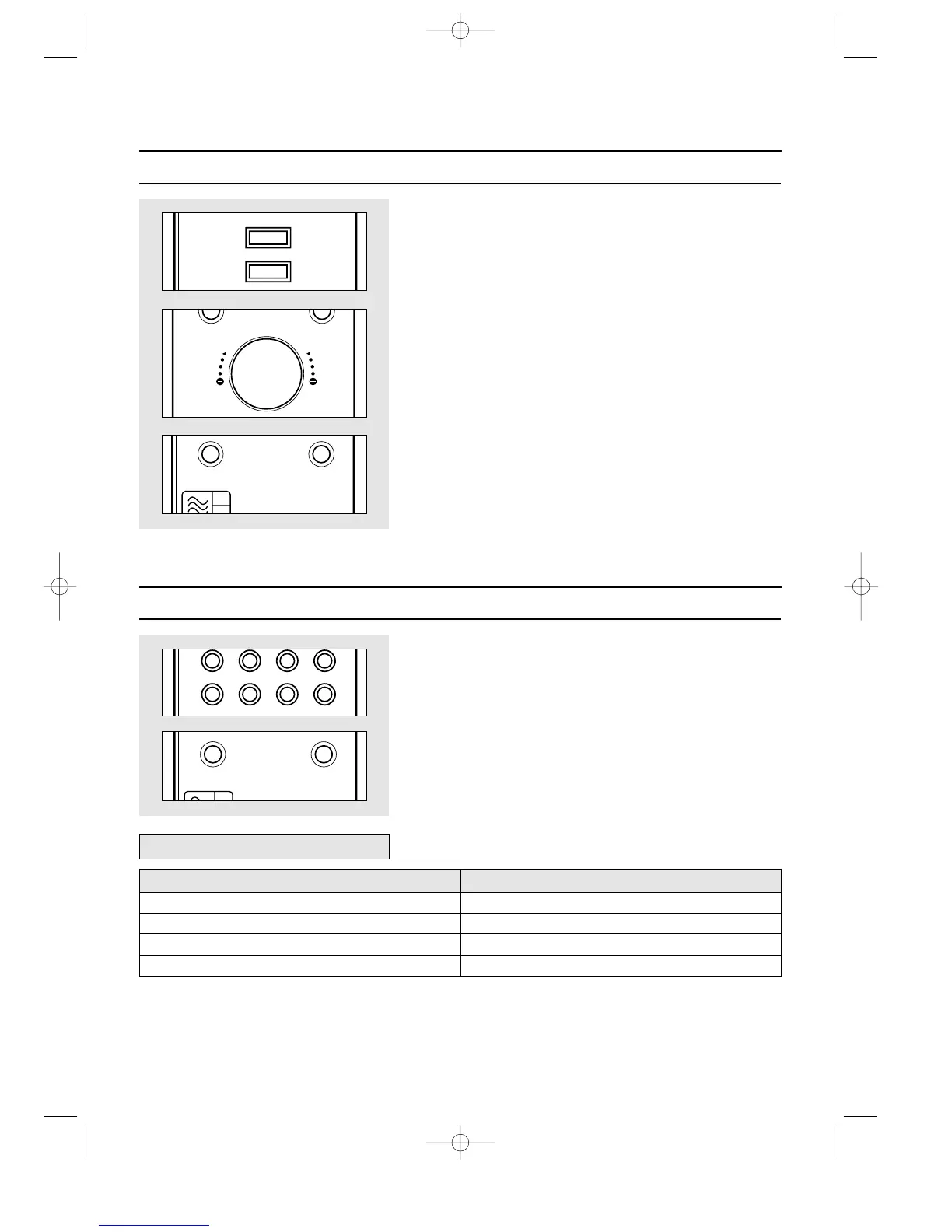
MANUAL COOLING
1. Press and hold M/W button for 3 seconds.
The oven will beep and MICROWAVE indicator lights off.
"COOLING" and "SET TIME" shows in display.
2. Turn the dial knob to set the cooling time.
For a cooling time of 10 minutes, turn the dial knob to the right to set 10:00.( up to
60 minutes )
"10:00" and "PRESS START" shows in display.
3. Touch START/SPEEDY COOK button.
Cooling starts and the time in the display will count down.
However the oven light and the turntable not operated.
▲
The scroll speed can be adjusted by user, following the steps below.
SCROLL SPEED CONTROL
1. Touch Crusty button once.
MICROWAVE and CONVECTION indicator light.
"1 FRESH PIZZA" and "SET WEIGHT" shows in display.
2. Select the scroll speed by pressing the Crusty button again until the required scroll
speed(refer to below chart).
3. Touch START/SPEEDY COOK button.
The oven will beep and " : 0" or clock appears in the display.










 To Next Page