19
Adjusting the audible signal
o The audible signal has three different settings, low, medium and
high.
o To adjust the level of the audible signal, make sure that the
timer is in manual mode. Then press and hold the minus button
and you will hear the current level that is set.
o Press the minus button again and the audible signal will adjust to
the next level.
o When the required level of audible signal is reached, release the
minus button and it will be set.
Selecting a cooking function and temperature
Selecting manual operation mode
After your appliance is connected to your mains supply for the
first time, the numbers on the timer display will flash. Before
you can select a cooking function or set a temperature, you
must set the appliance into “manual operation” mode.
o To select manual operation mode, press the manual operation
button (9) on the control panel.
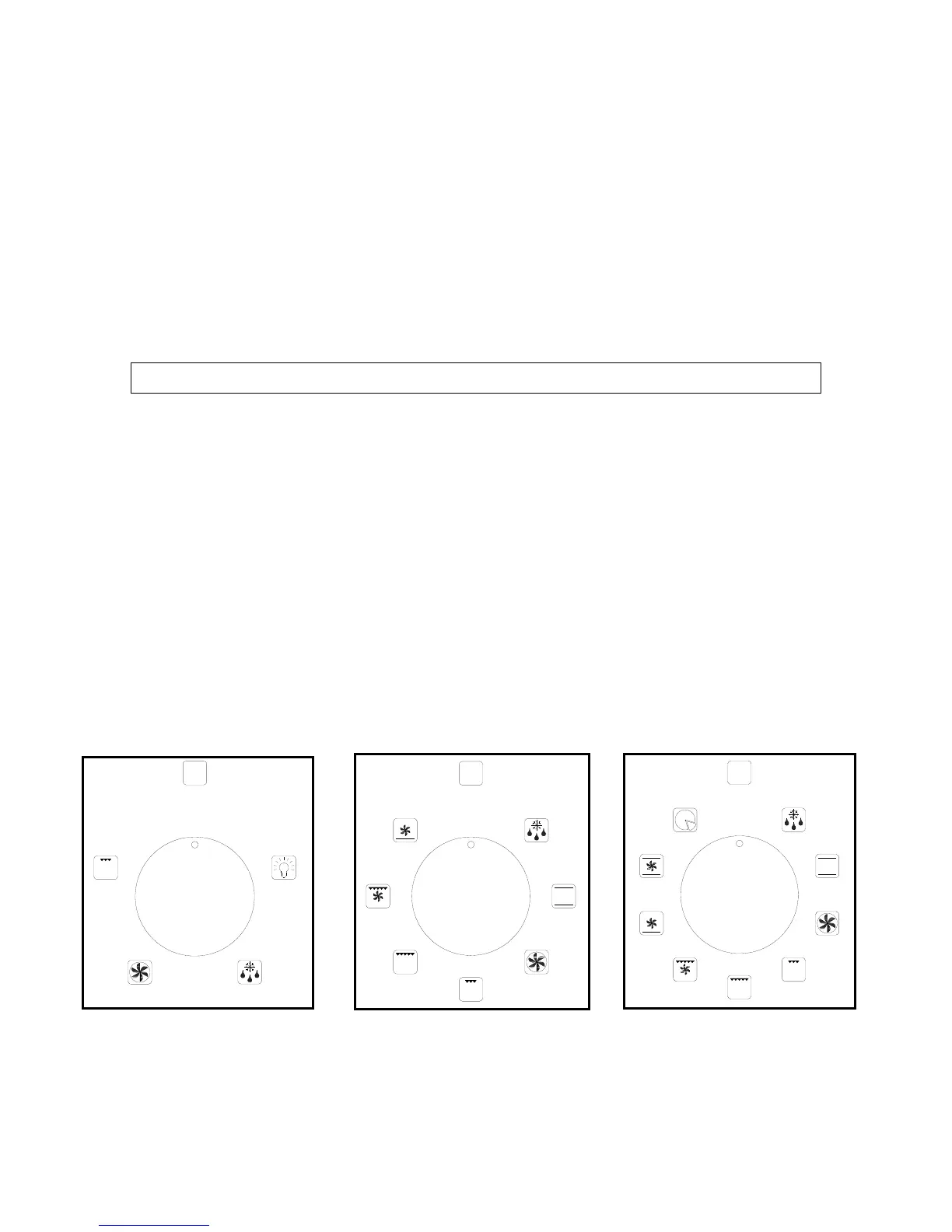
Selecting an oven function
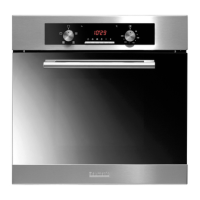
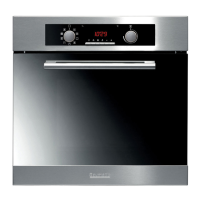
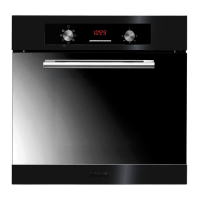
P611BS/SS P622BS/SS P632BS/SS/W
o The oven function selector knob should be used to select the
particular mode of cooking that you require. The appliance will
utilise different elements within the oven cavity, depending on
the oven function that you select. When a function is selected,
the power indicator light will come on.
0
0
0



 To Next Page