Explaining the options:
1 [SCALE] LED green = ON, red/yellow/blue = OFF
Not suitable for 3D ying and allowed only for helicopters which, due to their coll.pitch range (asym-
metric), are not capable of inverted ight. Here, the Horizon channel works in positive signal direc-
tion only, +10% to +100%.
The following modes provide the option for Rescue functions. These options are allowed only if the
model is set up with a symmetric coll.pitch range (e.g. -12° to +12°, center 0°).
2 [ACRO] LED green = ON, red/yellow/blue = OFF
The most recommended option for 3D ying with highest accuracy. The model will be self-leveled
to the closer horizontal attitude (normal or inverted).
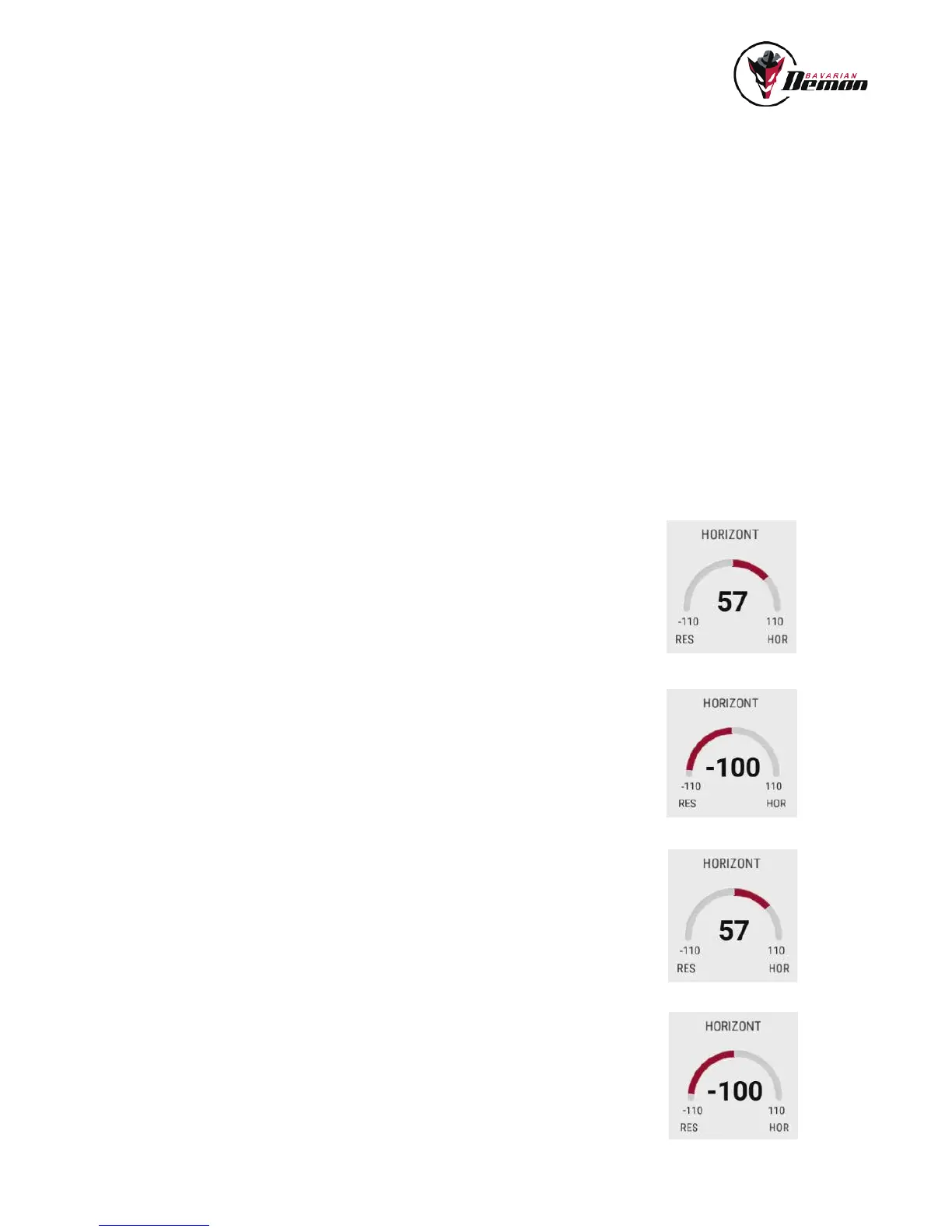
For activation choose [ACRO] mode and apply a positive signal to the Horizon channel, i.e. signal
travel to the right according to the DIAGNOSE menu, and in between 10% to 100%. The higher the
gain value, the stronger the stabilization.
2b [ACRO+coll.pitch] LED ickering green = ON, red/yellow/blue /green = OFF
Similar to [ACRO] mode, but additionally coll.pitch will automatically be applied and set for climbing
(“escape into the sky”).
For activation choose [ACRO] mode and apply a negative signal of -100% (or higher) to the Hori-
zon channel, i.e. signal travel to the left according to the DIAGNOSE menu
3 [UPRIGHT] LED green = ON, red/yellow/blue = OFF
Always levels the heli in upright attitude, even if initially fully inverted.
For activation choose [UPRIGHT] mode and apply a positive signal to the Horizon channel, i.e.
signal travel to the right according to the DIAGNOSE menu, and in between 10% to 100%. The
higher the gain value, the stronger the stabilization.
3b [UPRIGHT+coll.pitch] LED ickering green = ON, red/yellow/blue /green = OFF
Similar to [UPRIGHT] mode, and additionally coll.pitch will automatically be applied and set for
climbing (“escape into the sky”).
For activation choose [UPRIGHT] mode and apply a negative signal of -100% (or higher) to the
Horizon channel, i.e. signal travel to the left according to the DIAGNOSE menu.
13
HORIZON/RESCUE MENU
Select the desired mode of operation using the ‘Horizon Options’.
‘Rescue Climb Rate’ denes the climb speed in Rescue modes. The higher this value, the more coll.pitch is applied for rescue (only
available for ‚Acro‘ and ‚Upright‘).


 To Next Page